Resource Check
Resource Check provides a detailed report of resources used by JetStream DR software components on the protected site. When executed, it reads the specified parameters and scans the vSphere environment to generate the report file resource.txt.
Note: A resource.txt file is automatically created whenever a protection plan is generated providing up-to-the-minute system details. The Resource Check function can be used to generate the resource.txt file allowing the user to avoid the effort of creating a full protection plan if one is not needed. Do not use Resource Check until the Generate Protection Plan function has been operated at least once on CPT; otherwise, some data may be reported as “blank” (since a data history has not yet been established).
- Click the Resource Check button from the Home screen.
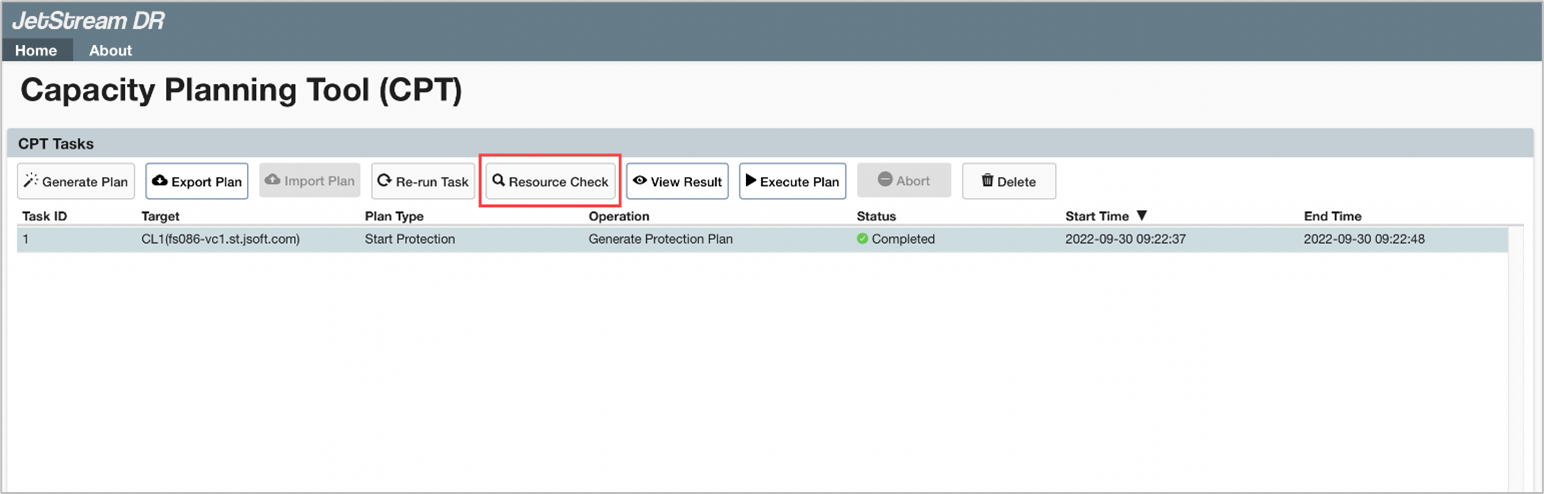
Figure 48: CPT: Resource Check.
- Enter the requested information on the Resource Check screen then click the Submit button.
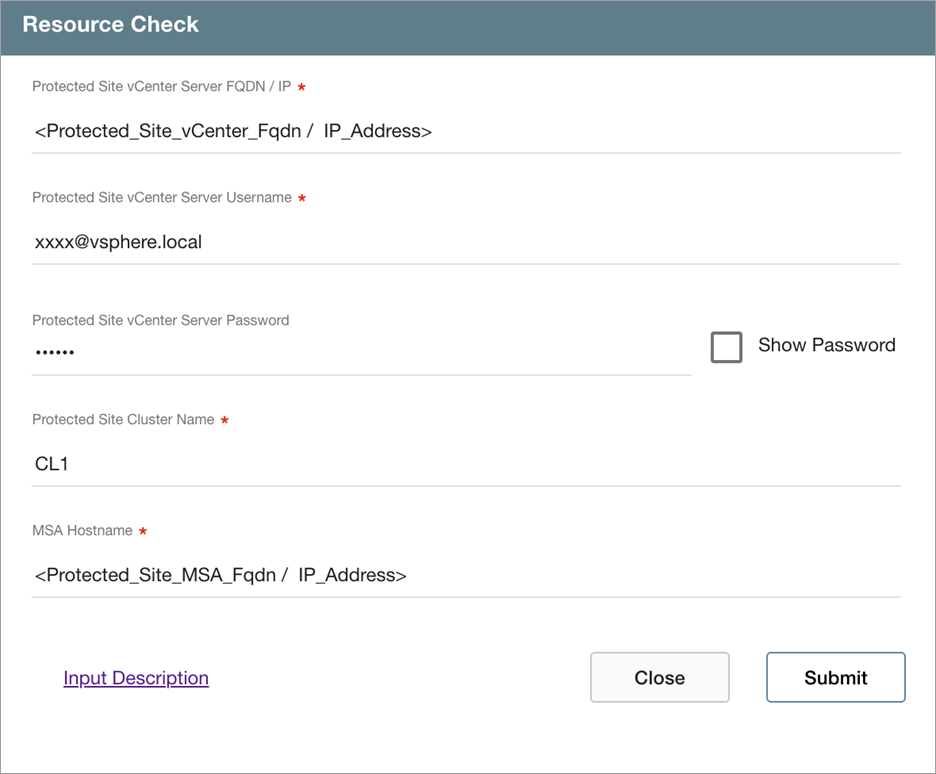
Figure 49: Enter details for the resource check.
Note: Click the Input Description link to view help text about the input fields of the screen.
- A resource report file will be generated and can be viewed through the GUI or directly on the file system.
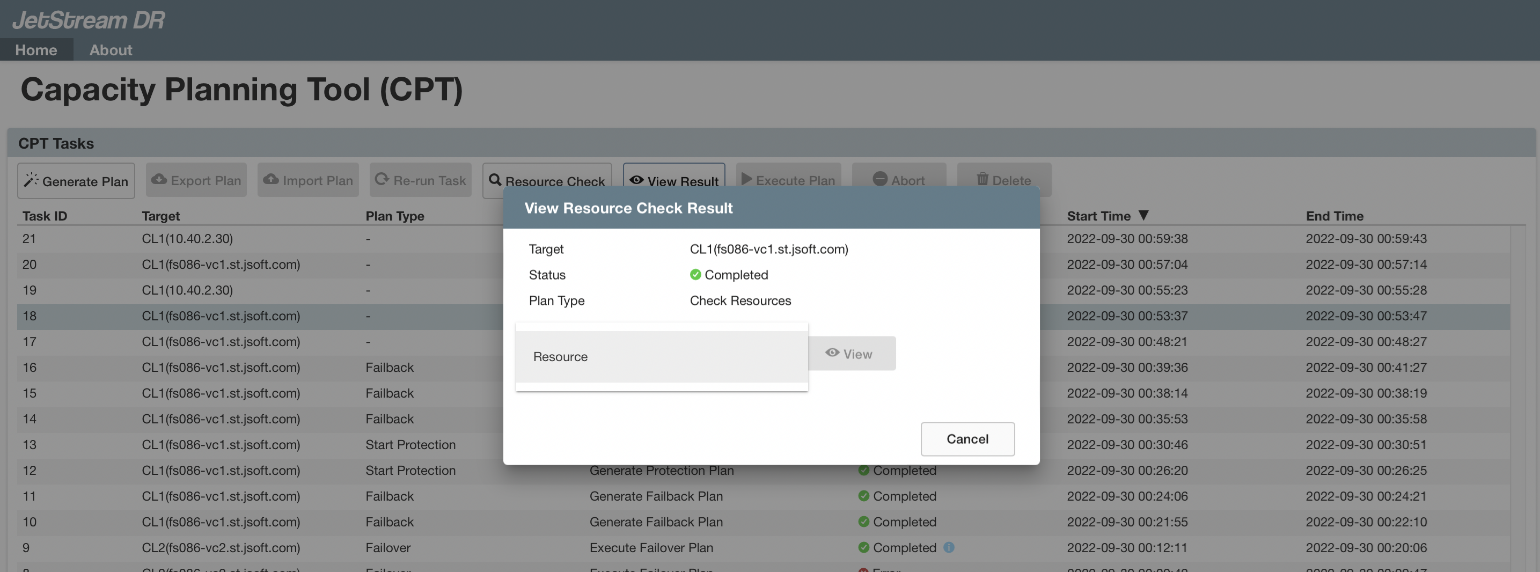
Figure 50: Resource check results are written to a report file.
- The resource.txt file will be written to a folder under the directory jetdr/plans/.
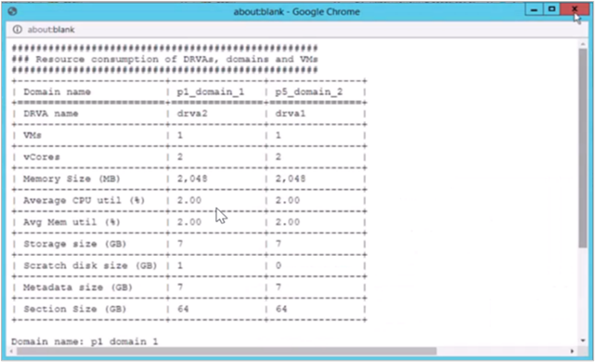
Figure 51: Resource check output text file.