User Interface
Install the User Interface (GUI)
The GUI is delivered as a JetStream DR Tools virtual appliance deployed from a standard OVA package. The package includes all the necessary components to install and run the GUI. Please note the following:
- The CPT GUI can be installed and operated prior to the installation of JetStream DR software. One of its key benefits is allowing the operator to evaluate and plan the installation of JetStream DR in their own environment.
- Network, compute, and storage must be configured with access to communicate with vCenter statistics.
- The OVA deploys a Linux VM with a web application for the GUI.
Note: If installing the GUI in an Azure VMware Solution private cloud (AVS), it is recommended to first import the OVA into a content library and then deploy its VM from there. It is not recommended to deploy the VM directly from the local system.
Launch the CPT User Interface
After the JetStream DR Tools virtual appliance been deployed, launch the GUI using an https:// browser connection to the machine IP address with port [https://<IP-Address>] The GUI Home screen will appear.
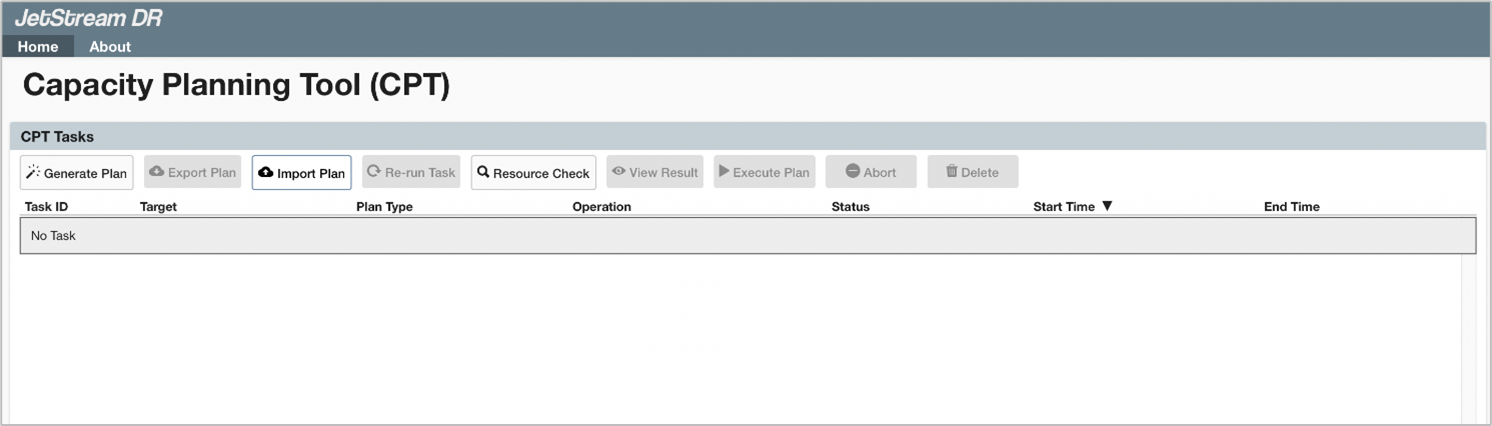
Note: Launch the CPT GUI on the machine from where it was installed. Use the URL: https://<IP-Address>.
Also see:
CPT Functions Accessible via the GUI