Monitoring Failover
Monitor the ongoing progress of the failover task.
- Task Steps:
- Navigate to the Protected Domains page and observe the Current Step details from the summary near the top of the screen.
- Click the blue (i) icon next to the current step to see a complete list of all task steps and the current phase of operation.
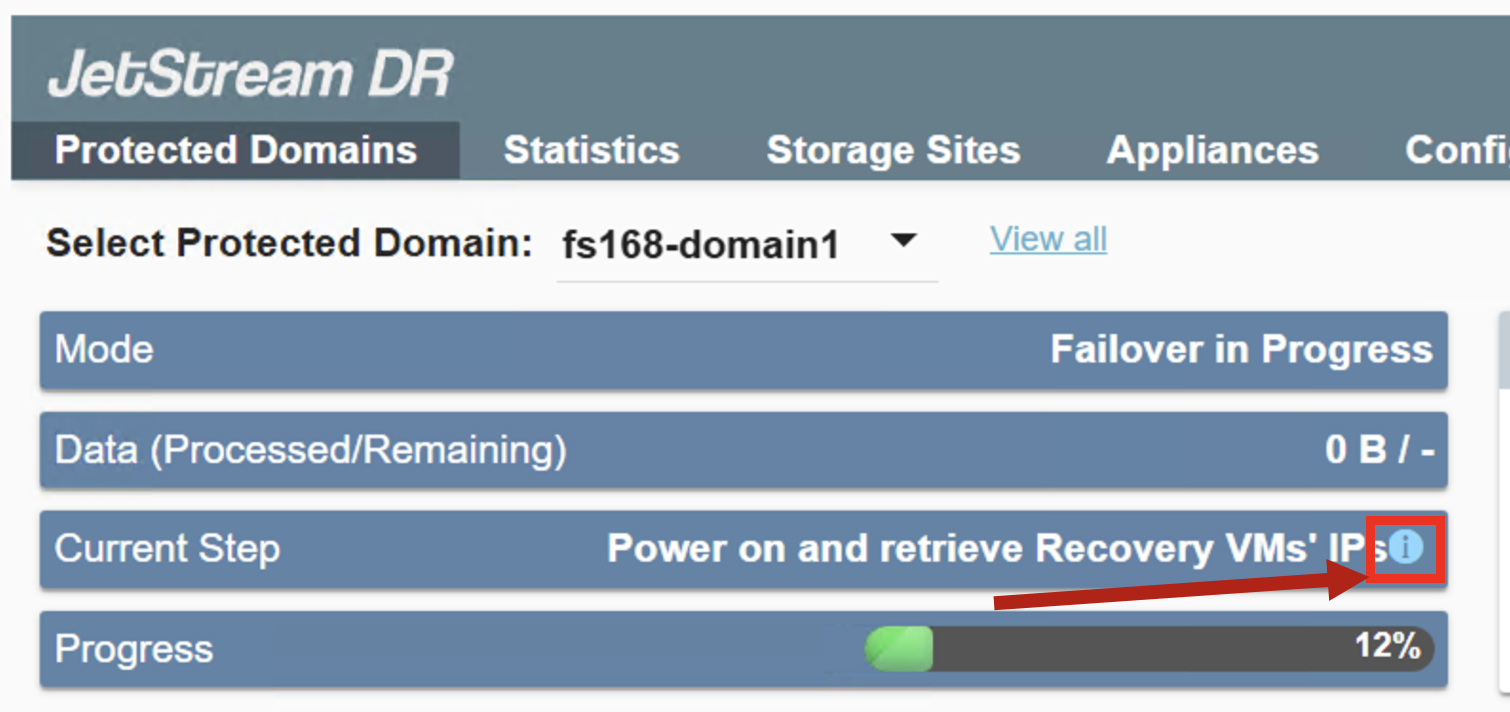
Figure 18: Click the blue (i) icon to view task details.
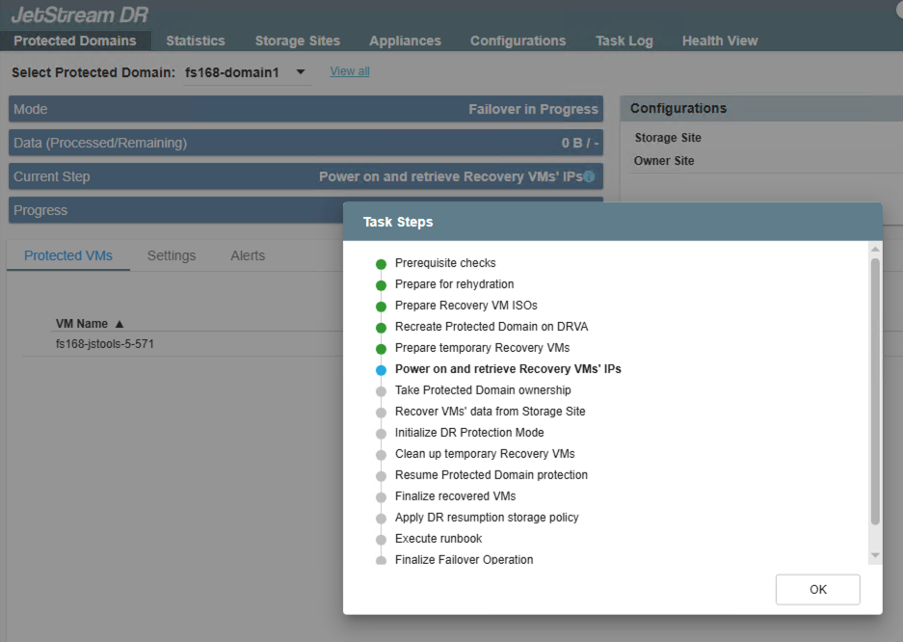
Figure 19: Full list of all task steps.
- Data Details
- Once rehydration has begun, data processed/remaining details can be monitored from the summary.
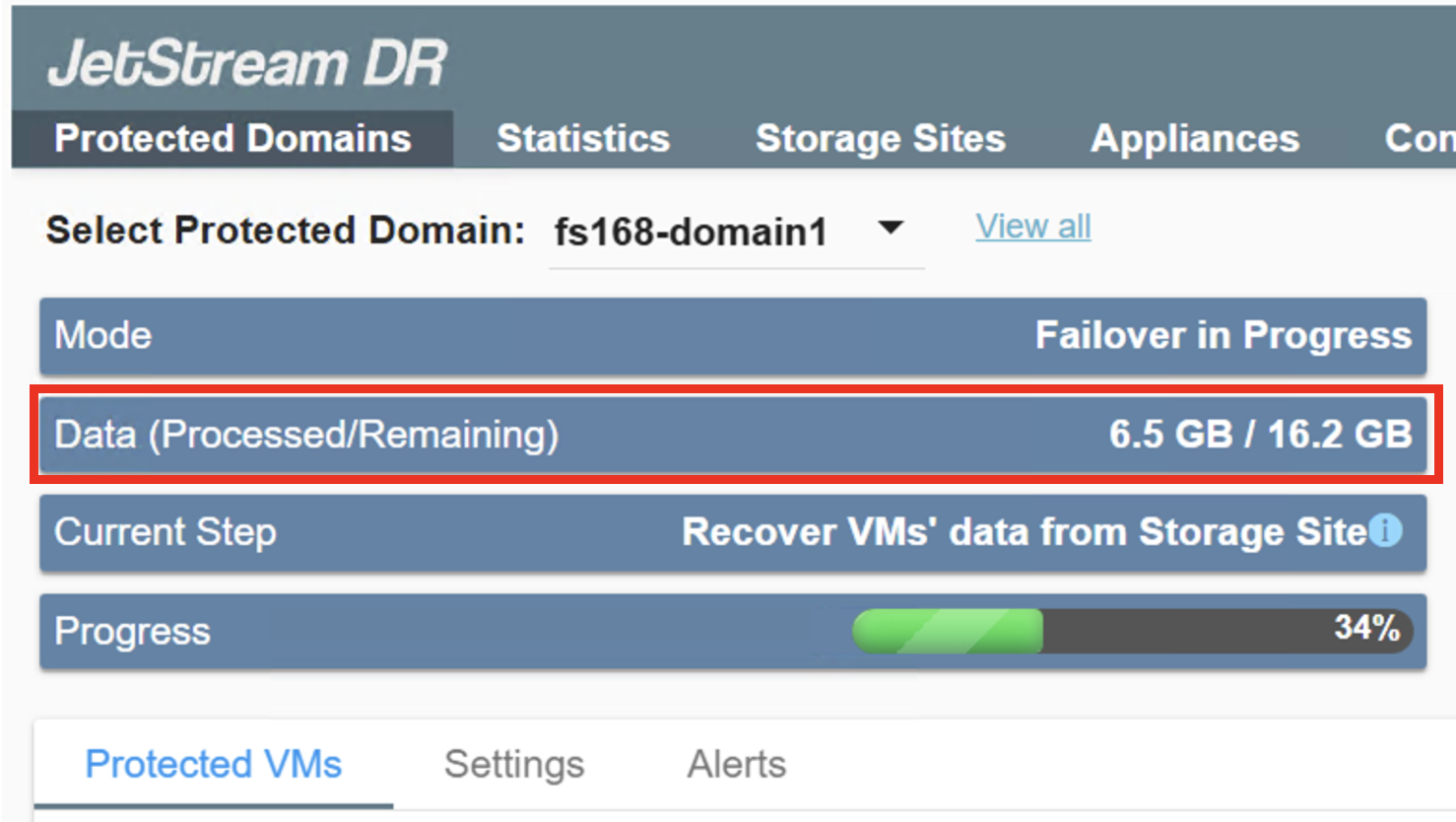
Figure 20: Data Processed/Remaining details.
When failover is complete, the domain mode will indicate "Running in Failover."