Configure Independent VMs Runbook
A list of all VMs in the Protected Domain will initially be displayed under the section labeled Independent VMs. Runbook settings can be applied to these VMs individually to control their properties as they are recovered during failover, test failover or failback. To edit a VM's runbook properties:
- On a Runbook Settings screen, toggle the (+/–) icon to expose all the Independent VMs.
- All VMs of the Protected Domain will initially appear in this list and can be edited.
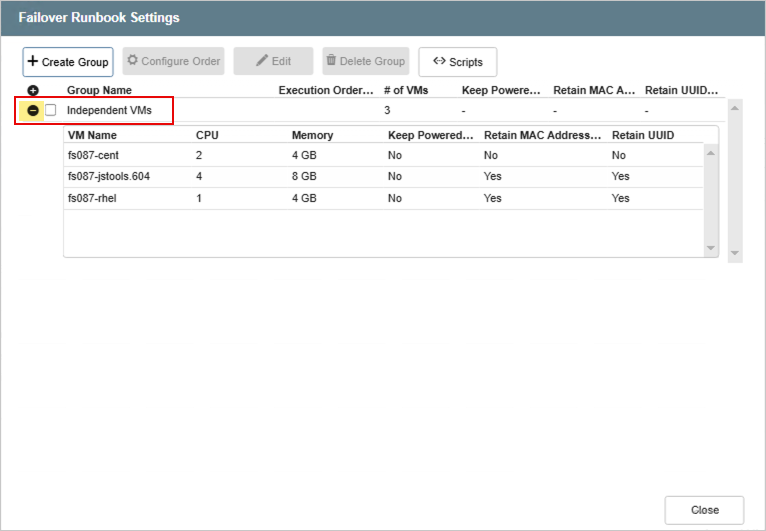
Figure 109: Cick the icon to expose all the Independent VMs.
- Mouse over any parameter and click it to change its setting.
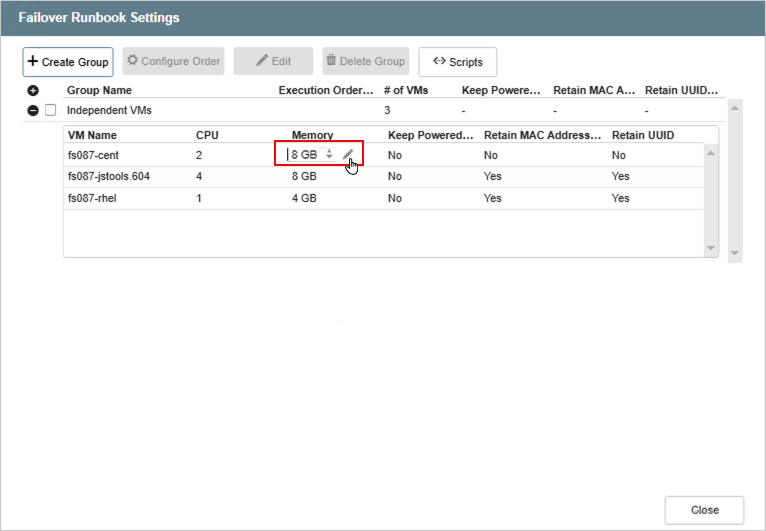
Figure 110: Click a parameter to change its setting.