Runbook Scripts
Runbook scripts are saved in the Protected Domain's object store so they will be available to the MSA at the recovery site.
- Scripts are uploaded at the Protected Domain level.
- PowerShell and Python3 scripts are supported.
- Runbook scripts are executed from the Management Server.
Configure Runbook Scripts
- Navigate to: Protected Domains > Settings > Failover Runbook Settings. Click the Scripts button.
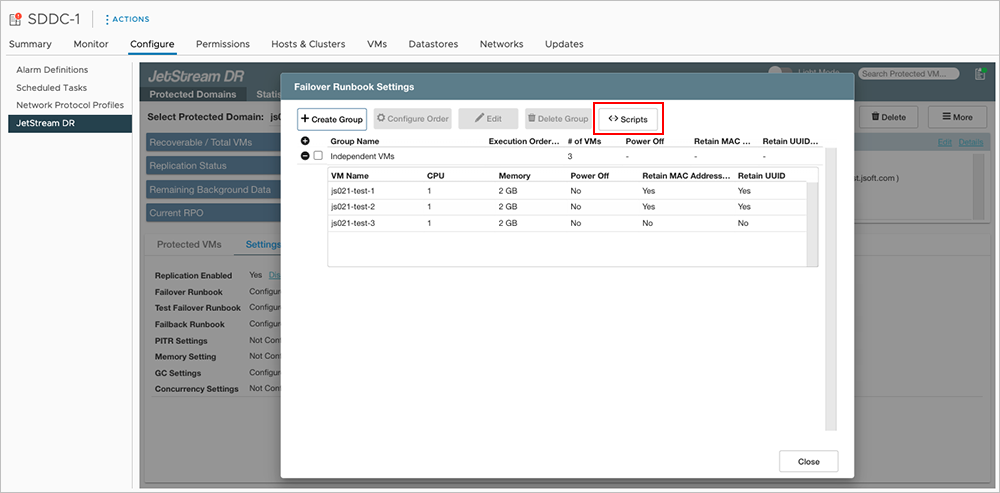
Figure 123: Click the Scripts button.
- Click the Upload button then select and upload a script file.
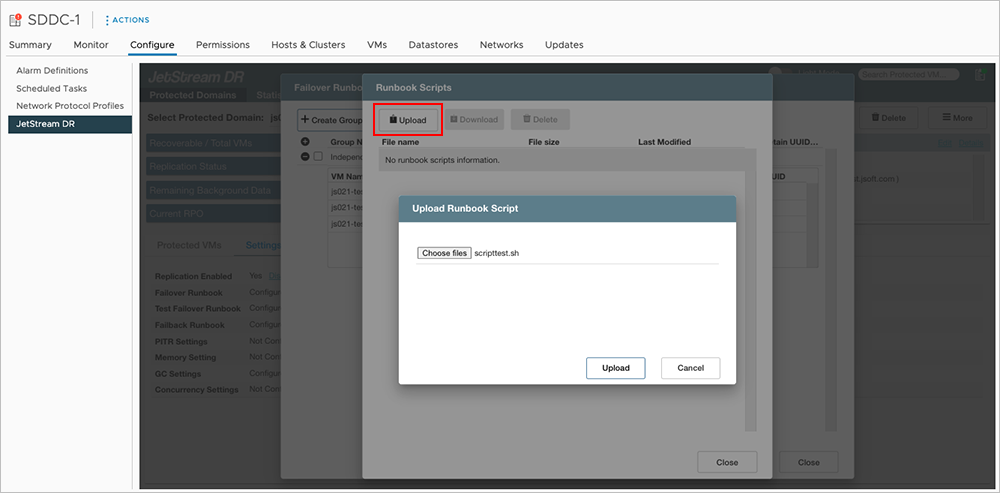
Figure 124: Upload a script file.
- The script will be saved to the Domain's object store from where it can be used with runbooks.
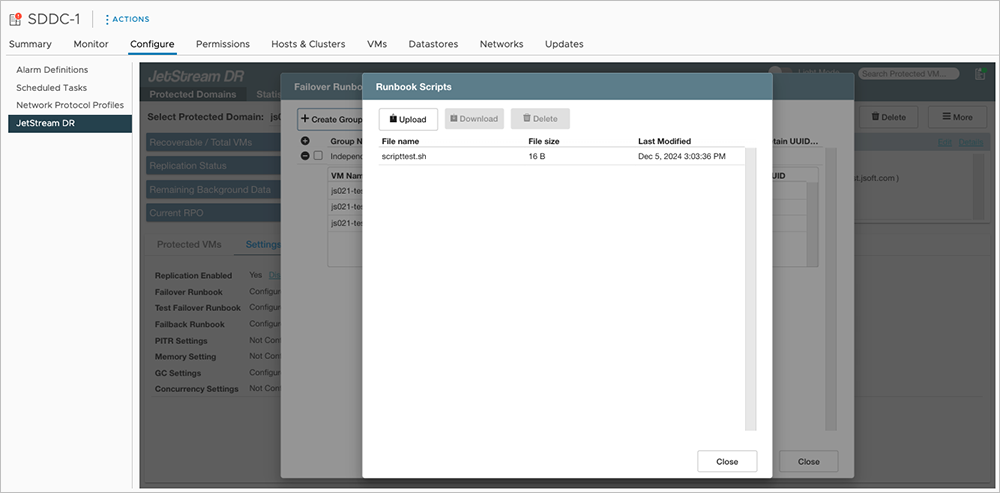
Figure 125: Script is saved in the domain's object store.

Figure 126: Using the script in a runbook.