Connect Azure Blob Storage to JetStream DR
After Microsoft Entra ID has been configured and information entered into JetStream DR, Azure Blob Storage can be attached.
- On the screen to add Azure Blob Storage, set the Access Type to AAD Based Access.
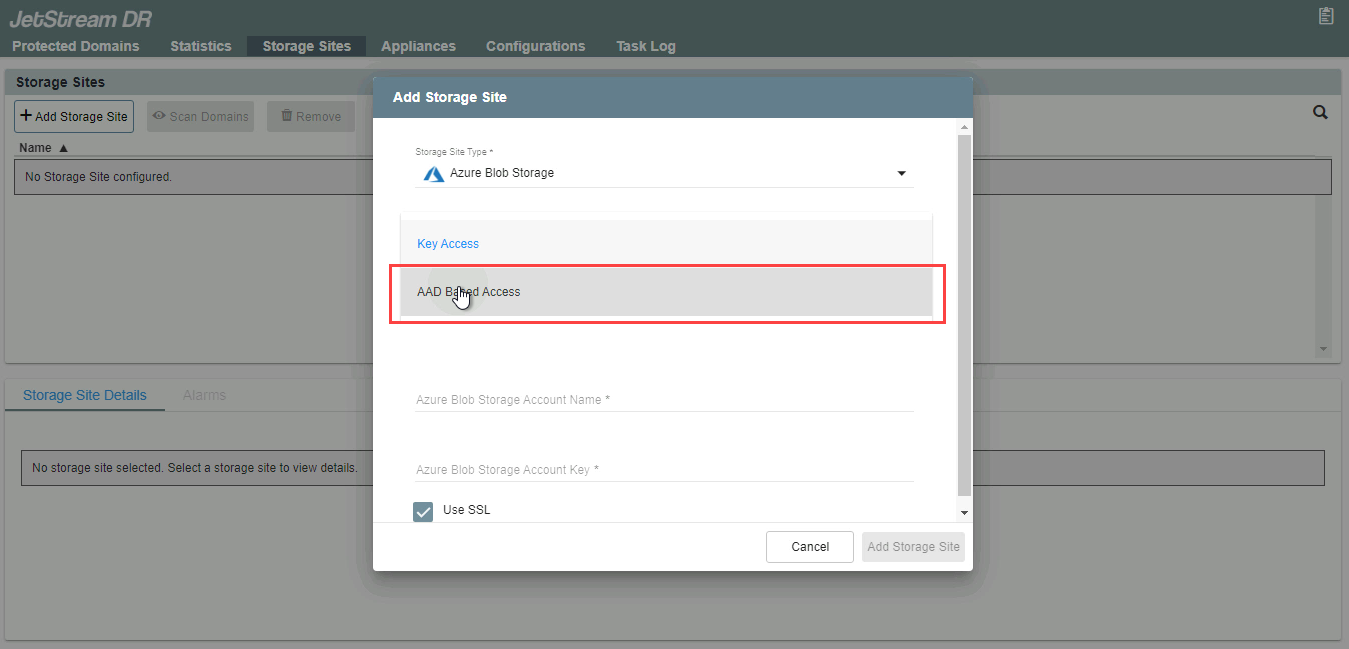
Figure 363: Connect to Azure Blob Storage using Microsoft Entra ID based access.
Note: Hierarchical namespace is not supported by JetStream DR. Make sure this feature is not enabled in Azure Blob storage.
- Enter the Storage Site Name and Azure Blob Storage Account Name then click the Add Storage Site button.
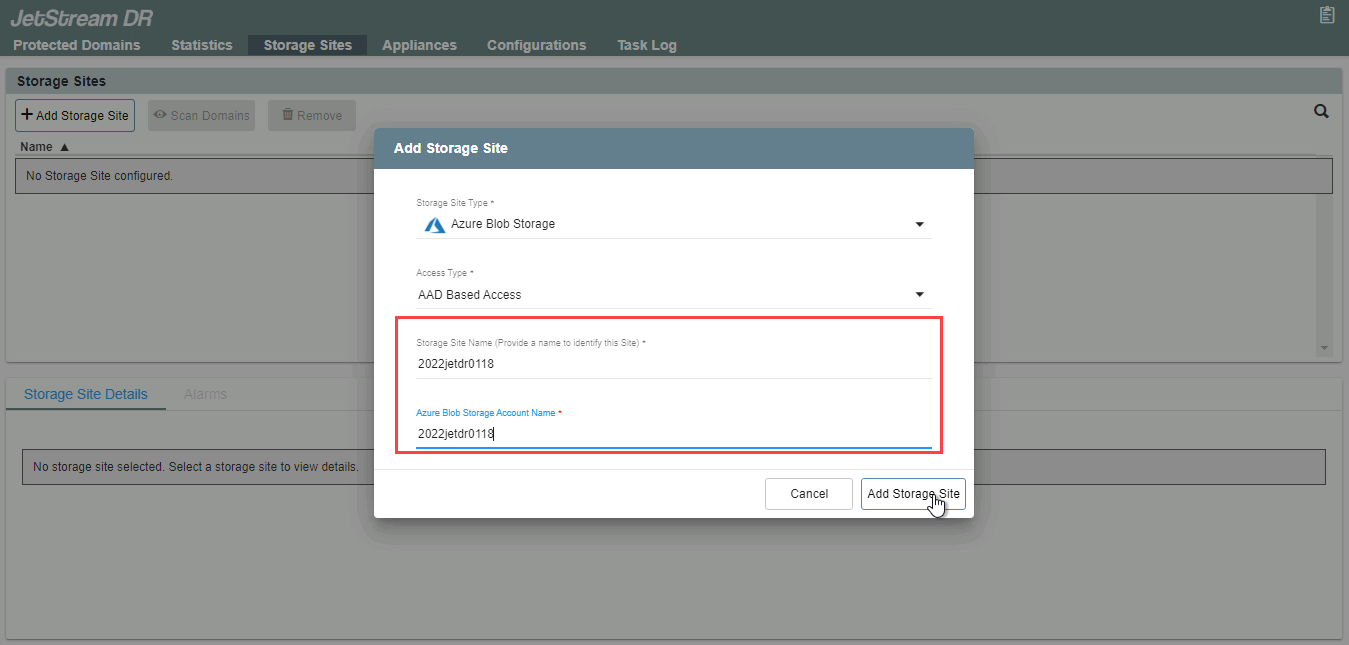
Figure 364: Enter the storage site and blob storage account names.
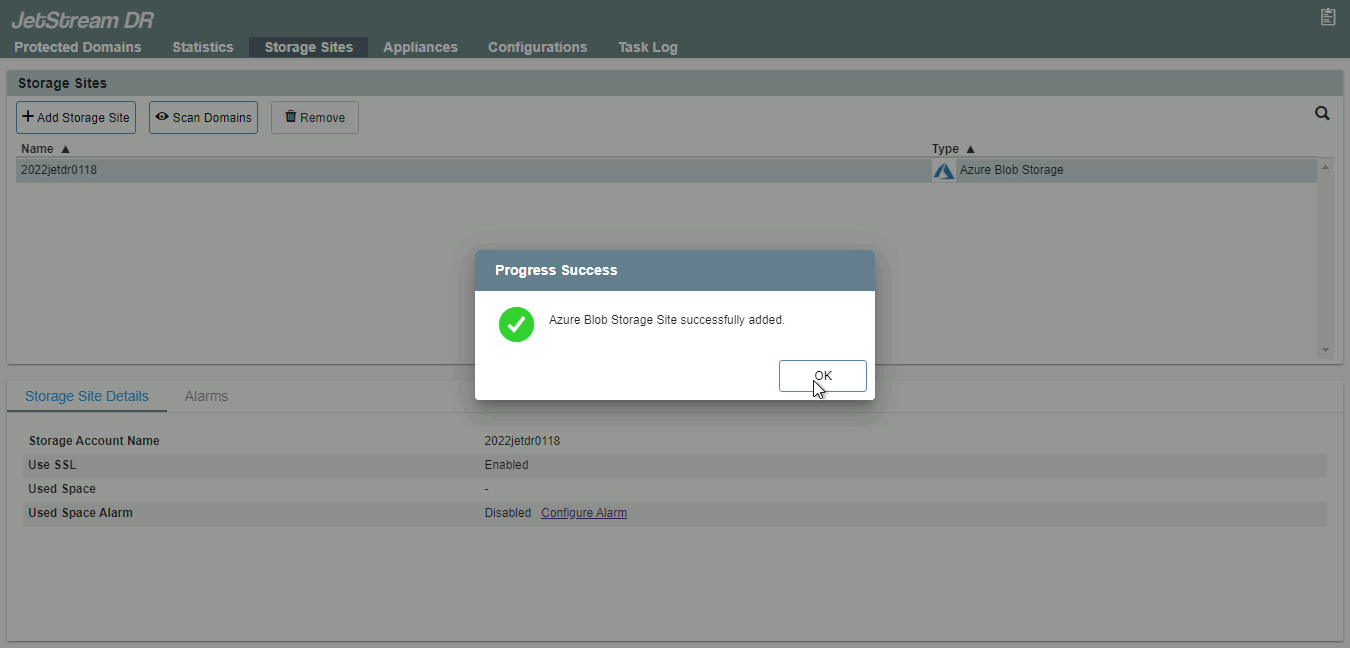
Figure 365: Azure Blob Storage has been added.