Configure the Failover Test Recovery Site
Start with the same sequence of steps used to prepare and configure failover for the normal production environment.
- Allocate compute resources and provision vSphere at the test recovery site, as needed.
- The compute resources at the test recovery site must be able to run an MSA, RocVA, RVMs, and the VMs to be failed over.
- Ensure the network is properly configured per the guidelines described in Pre-Installation.
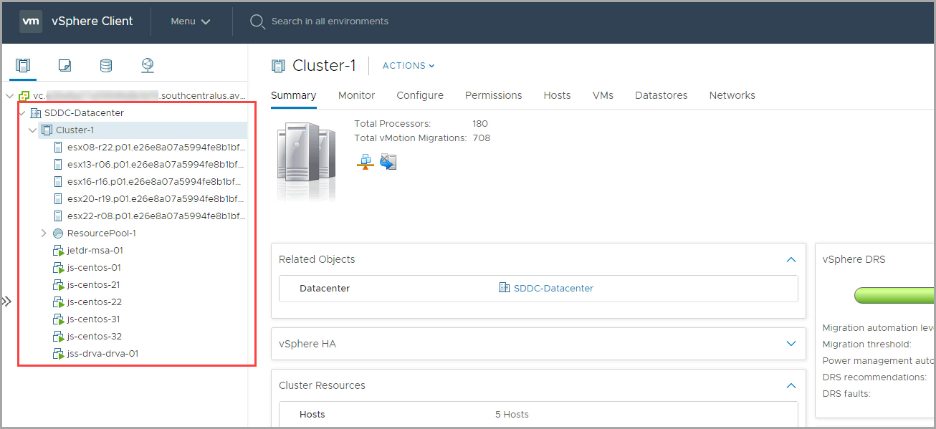
Figure 225: Check vSphere resources at the recovery site.
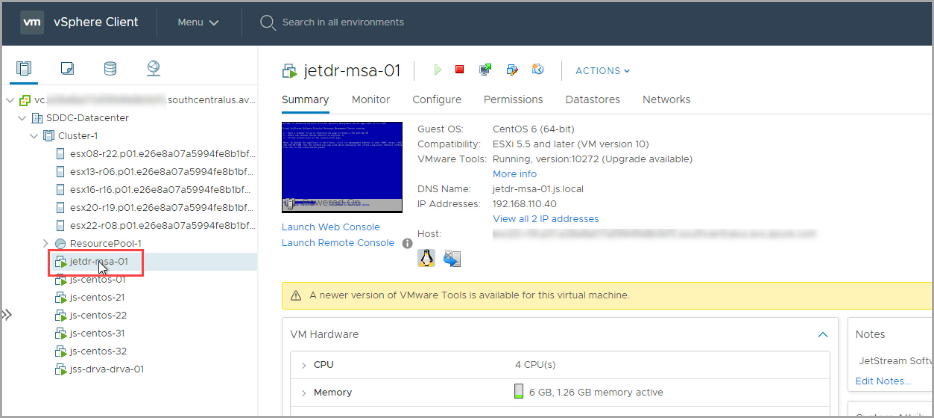
- Deploy an MSA at the test recovery site.
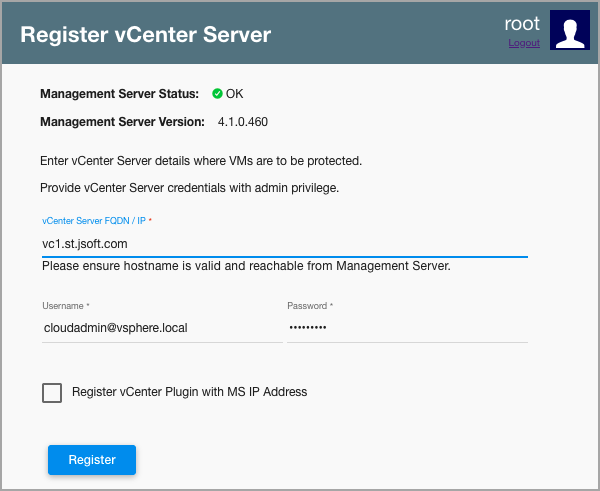
- At the test recovery site, register the new MSA with vCenter.
- If Azure Blob storage will be used, go to the Site Details section of the Configurations screen and click the Configure link.
- Enter the Subscription ID to connect Azure Blob storage.
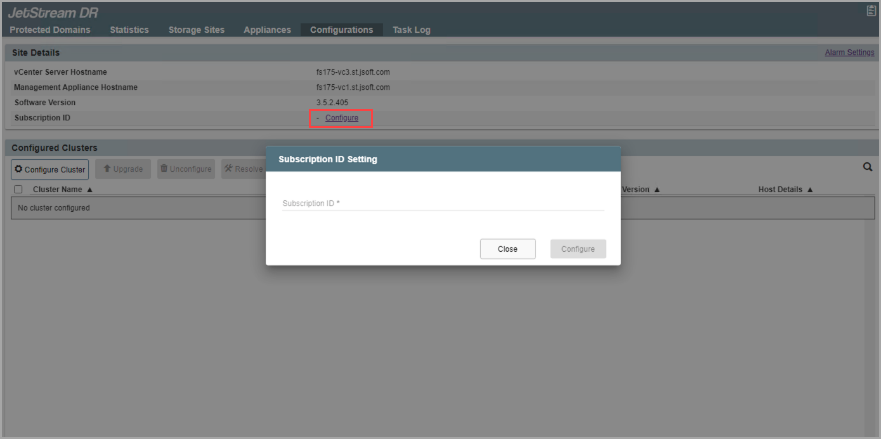
Figure 228: Enter Subscription ID (if connecting to Azure Blob storage).
- Enter information to add a storage site (if necessary) for failover testing.
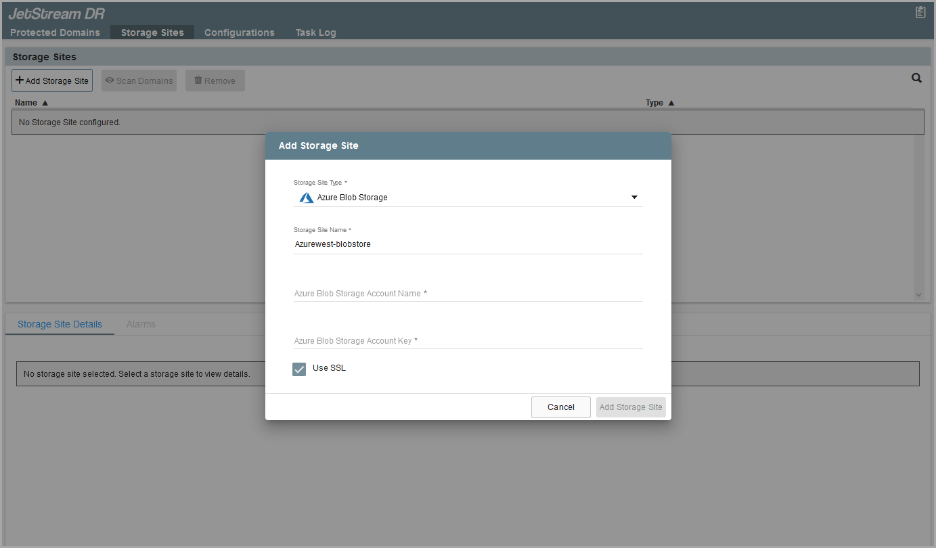
Figure 229: Connect to the storage site.
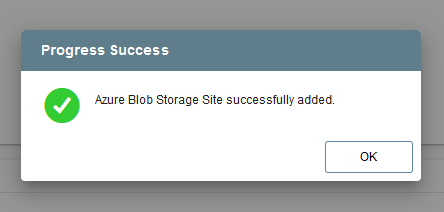
Figure 230: Storage site successfully connected.
Also see:
After the test recovery site has been configured, conduct the test failover.