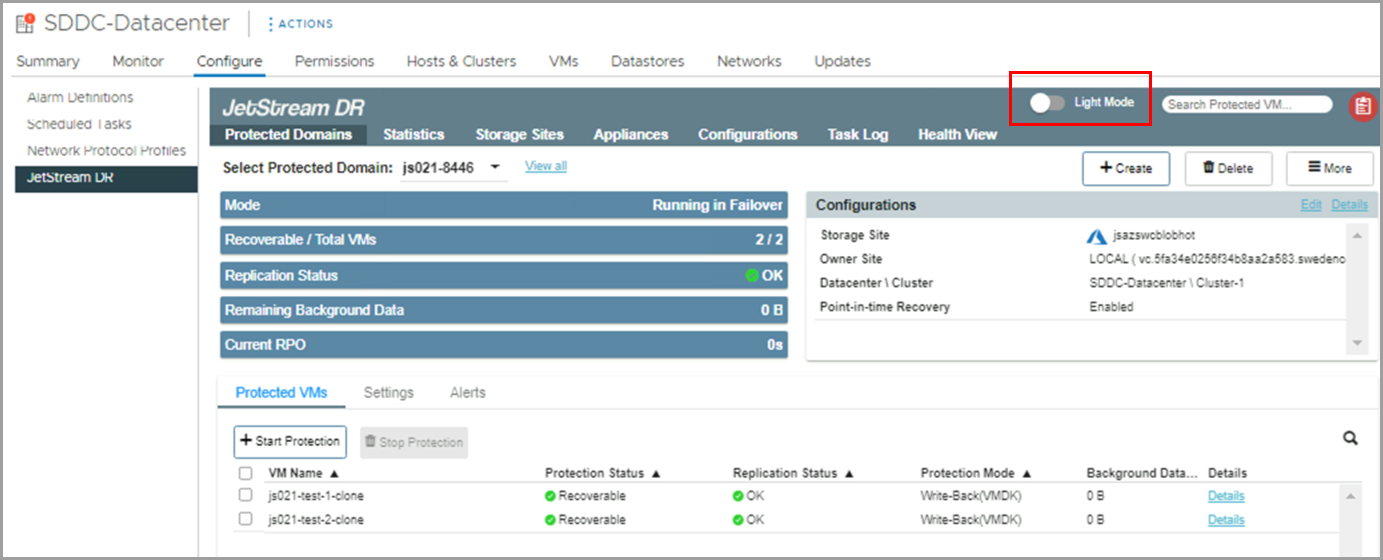
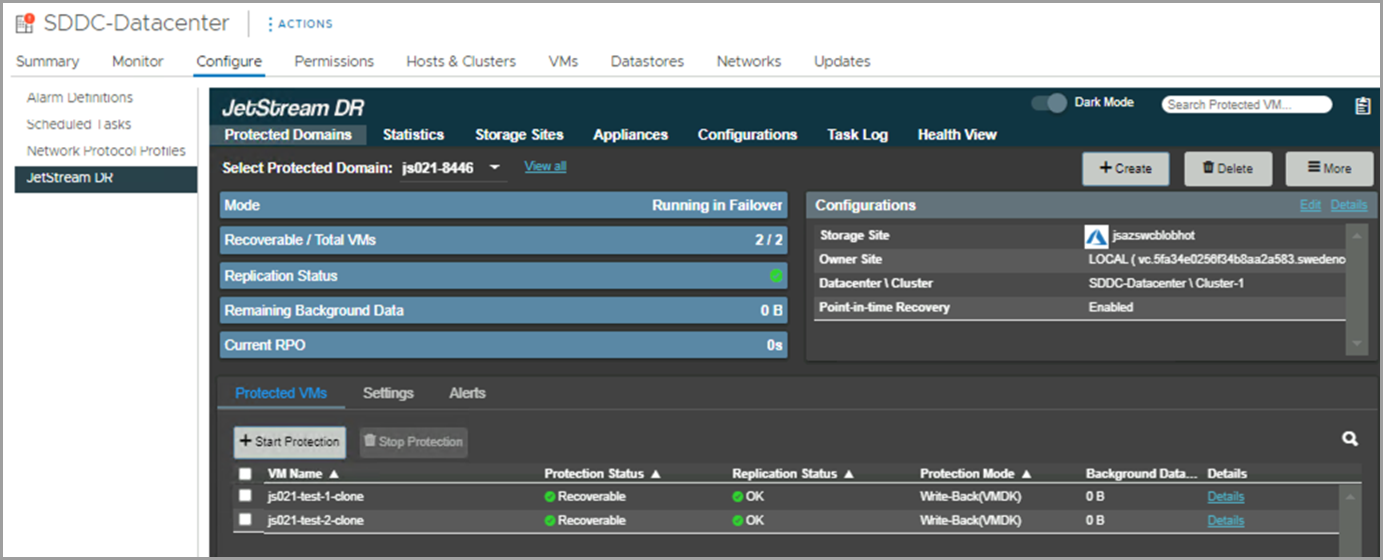
Additional InformationJetStream DR Light/Dark Display Mode The JetStream DR UI can be displayed using a "light" or "dark" mode theme. Navigate to the main JetStream DR screen. Click the toggle control to change the display mode of the UI. Figure 338: "Light" display mode. Figure 339: "Dark" display mode.