Enable-JetDRSshd
This cmdlet temporarily enables sshd on the MSA VM.
Note: With the current version of cmdlets, when a new MSA VM is deployed it is moved into a secure folder. This is done for enhanced security. However, there may be times when it is necessary to run diagnostics from within the MSA VM; Enable-JetDRSshd can be used to temporarily enable sshd on the MSA VM for this purpose.
Important: Once the intended task is complete, be sure to disable sshd on the appliance using the Disable-JetDRSshd cmdlet.
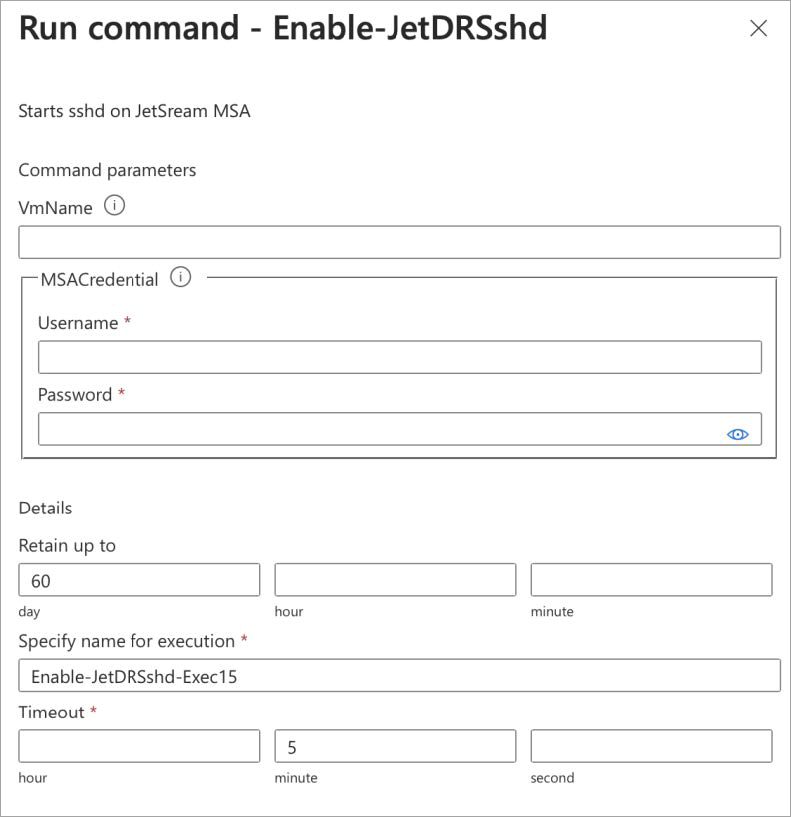
Enable-JetDRSshd Run command.
Command Parameters: Enable-JetDRSshd
|
VmName |
Name of the MSA VM. |
|
MSACredential |
Root user credential of the MSA VM (specified during installation). |