Accessing AROVA
AROVA appliances are configured to operate on the Google Cloud Internal Network.
- IAP must be used to forward port 443 of AROVA to a dedicated port on a local machine and access the AROVA web UI by browsing to:
https://127.0.0.1:<forwarded port number>/ - External access to AROVA appliances is not configured by default and is not recommended for security purposes.
Note: Learn more about Adding Access to AROVA through IAP.
Example
gcloud compute start-iap-tunnel \
jet-aro-vm-us-central1-us-south1 443 \
--local-host-port=localhost:8443 \
--zone=us-central1-a --project arova-project
- The command starts the IAP tunnel to the AROVA jet-aro-vm-us-central1-us-south1 forwarding the AROVA port 443 to a local port 8443.
- The AROVA web UI can then be accessed by browsing to https://localhost:8443/
Note: The command expects the user to already be logged into a gcloud session.
Use the command gcloud auth login to authorize it. Keep the gcloud command running while accessing the AROVA UI.
Review this document for additional information: https://cloud.google.com/iap/docs/using-tcp-forwarding#tunneling_other_tcp_connections
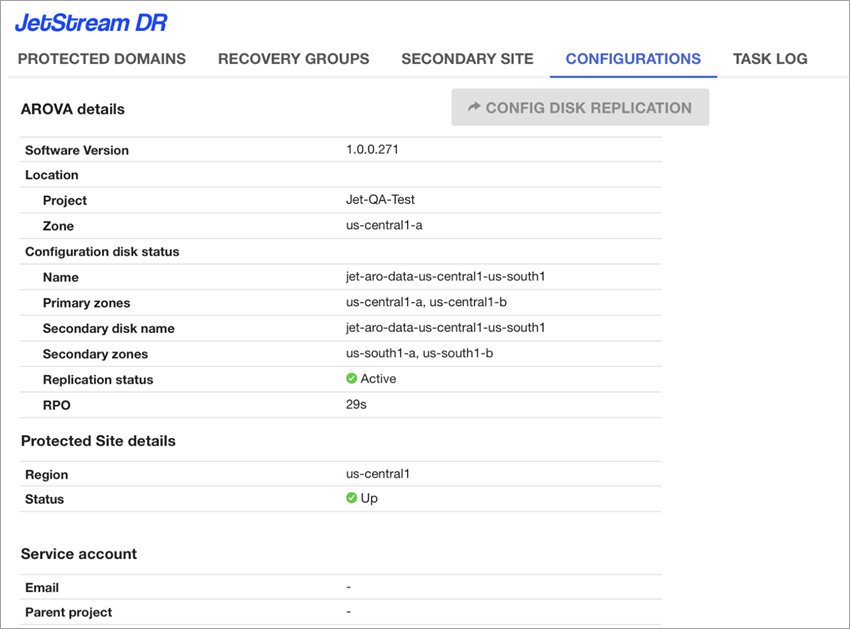
Note: After the AROVA web UI has been accessed, it can be used to conveniently protect, failover and failback VM workloads and data.
See:
Adding Access to AROVA through IAP