Protected Domain
A Protected Domain (Domain) is a logical grouping of one or more VMs managed together for disaster recovery. It defines the scope of protection, replication and recovery operations, and may include both independent VMs and Recovery Groups.
To begin protection, first create a Domain. It is recommended to group VMs belonging to the same virtual application within a single Domain. Additionally, non-related VMs can also be included in the Domain if desired. Domains can include a mix of VMs with zonal disks and VMs with regional disks.
- When the web UI is first accessed, you will be prompted to create a Protected Domain.
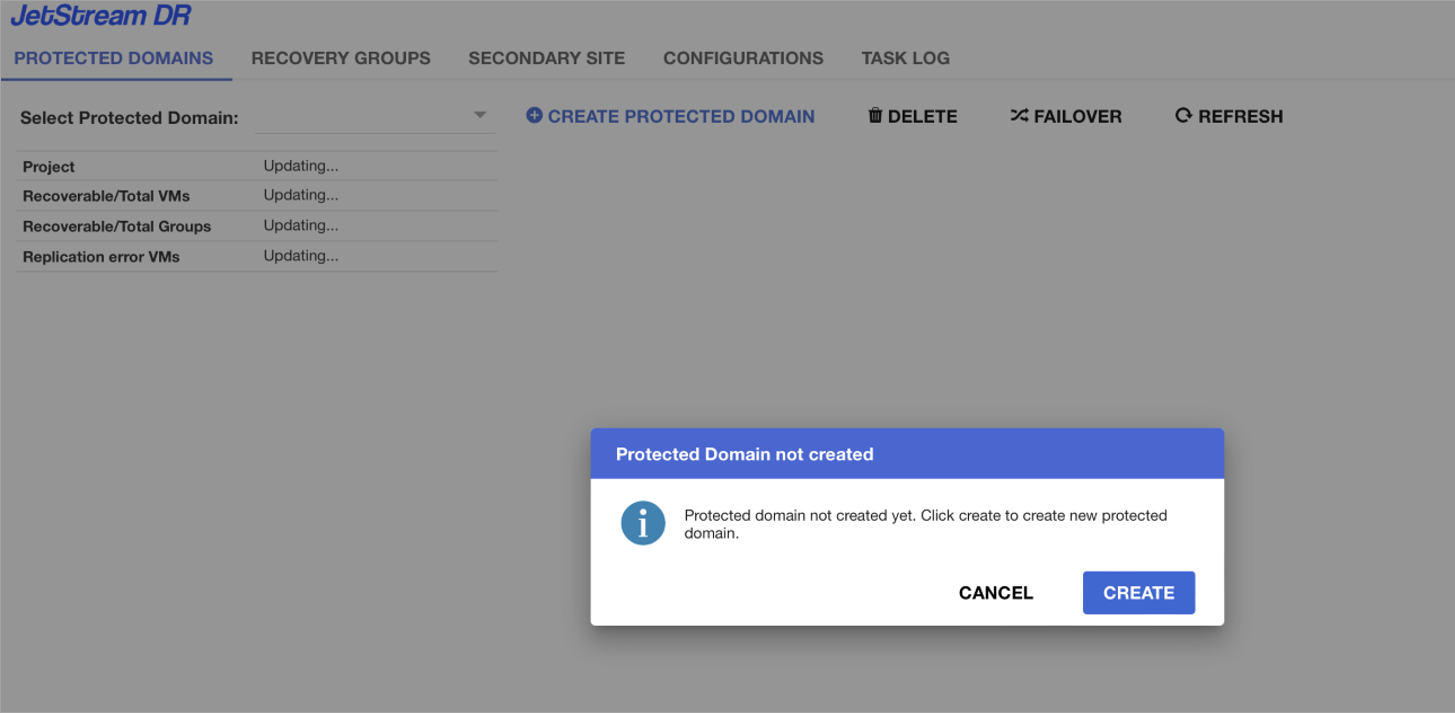
Figure 39: Create a Protected Domain.
- Provide inputs required to create the Protected Domain:
- Name – Name to uniquely identify the Domain.
- Description – Optional text to describe the purpose or details of the Domain.
- Protected Project – Google Cloud project containing the VMs to be protected.
- Recovery Project – Google Cloud project where VMs will be recovered. This can be same project or a different project.
- Click the CREATE button to create the Protected Domain.
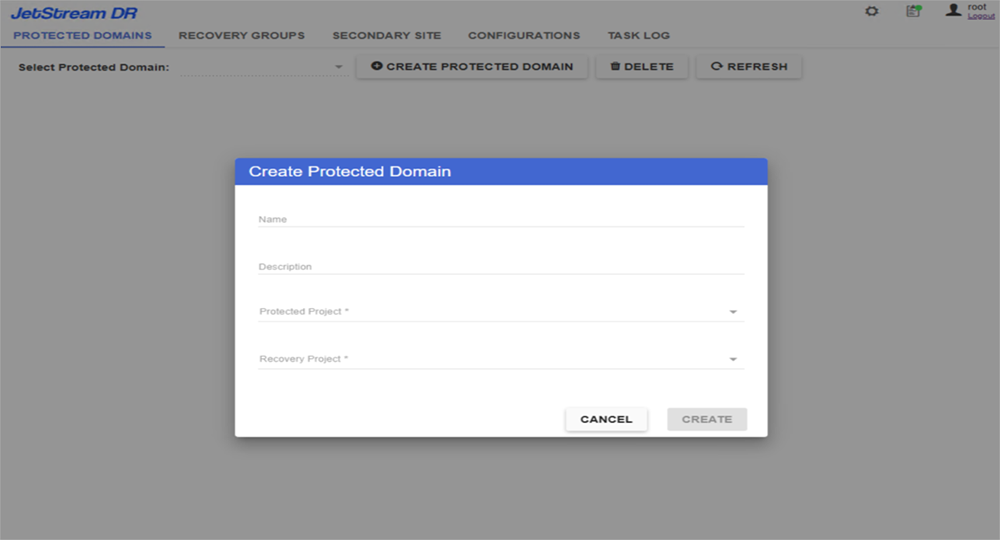
Figure 40: Enter parameters for the Domain.
- The Domain will be created and its dashboard view will be displayed.
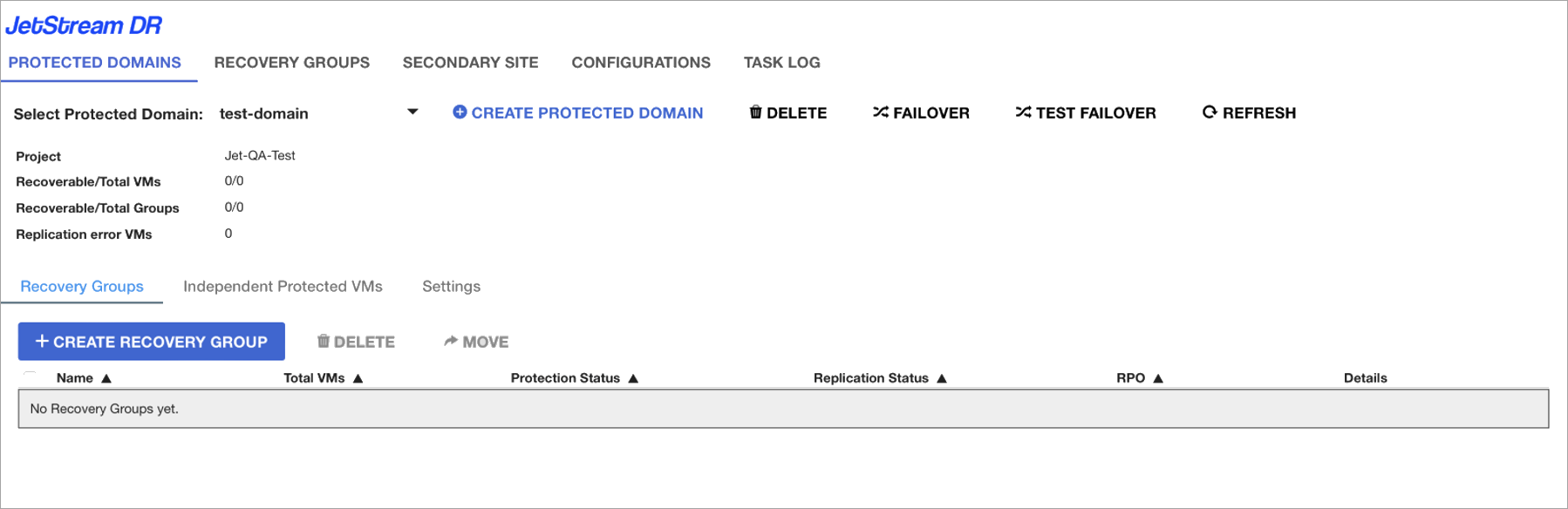
Figure 41: New Protected Domain successfully created.
Note: VM protection can be started after ACD initial synchronization is complete and replication status is Active.