A series of seven sub-screens prompts the user to enter parameters to configure a protection plan.
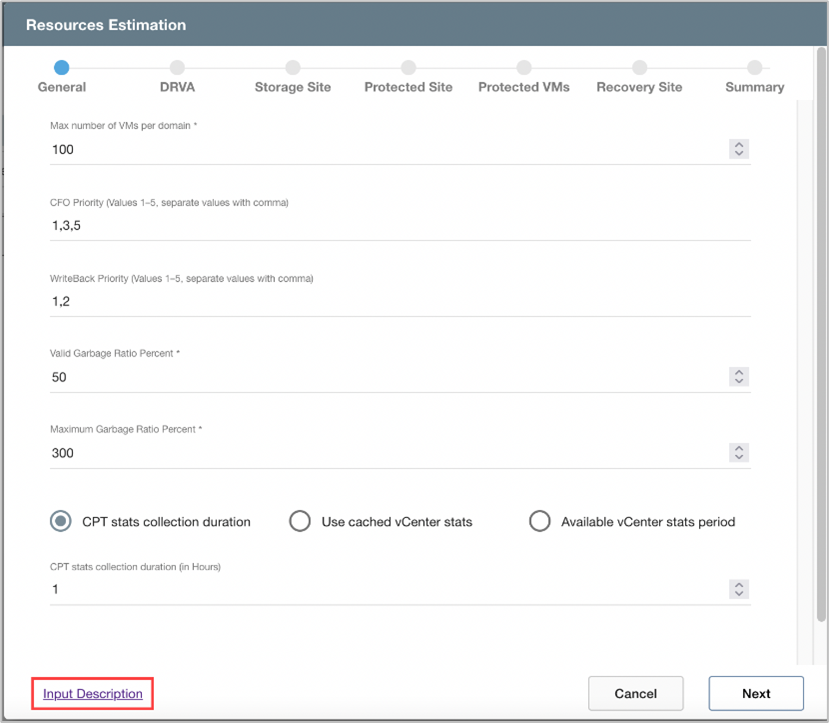
Figure 4: Configure a Protection Plan.
Note: Click the Input Description link that appears on various screens to view help text about the input fields of the screen.
Also see:
General
DRVA
Storage Site
Protected Site
Protected VMs
Recovery Site
Summary