Import Protected Domains
At the recovery site:
- Import a protected domain to manage with CFO by clicking the Scan Domains button.
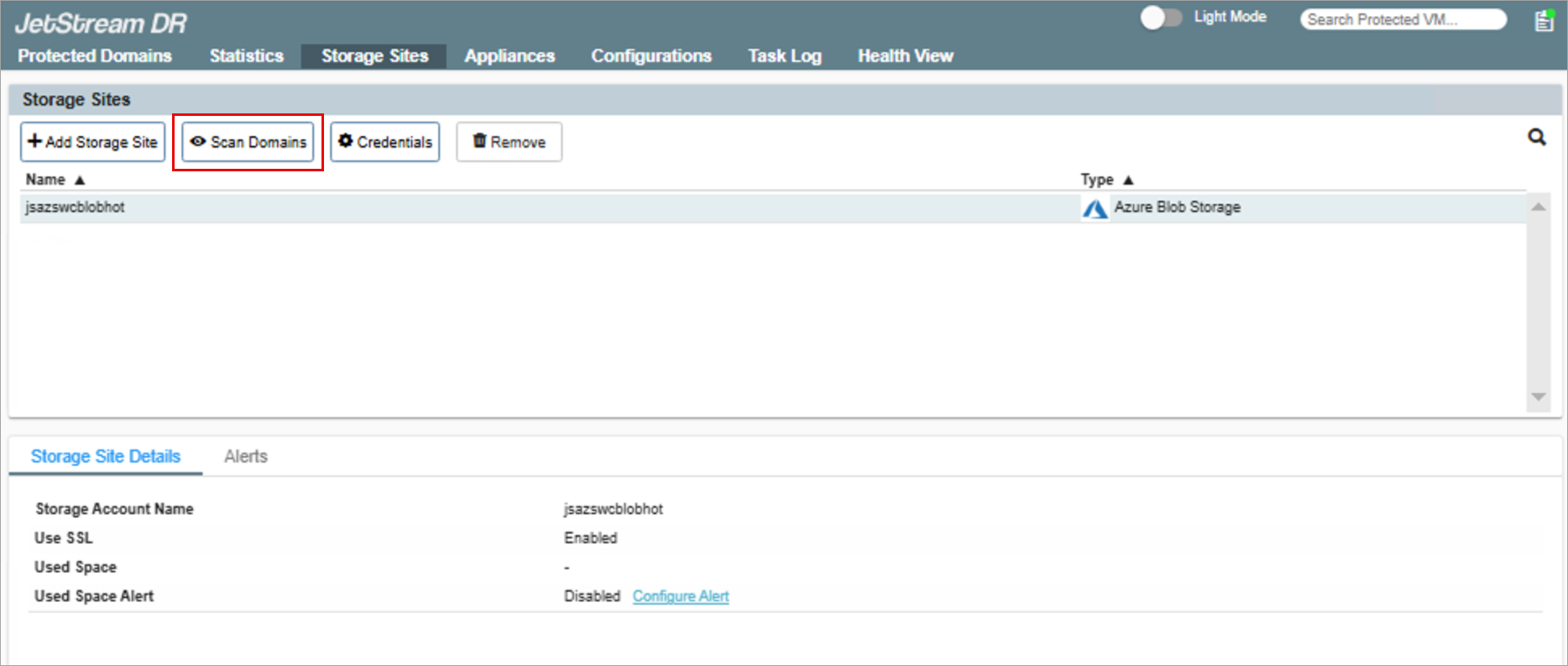
Figure 23: Click the Scan Domains button.
- In the pop-up dialogue window that appears, choose the domain where CFO is intended to be used and click its associated Import link.
- Multiple domains can be imported, if desired.
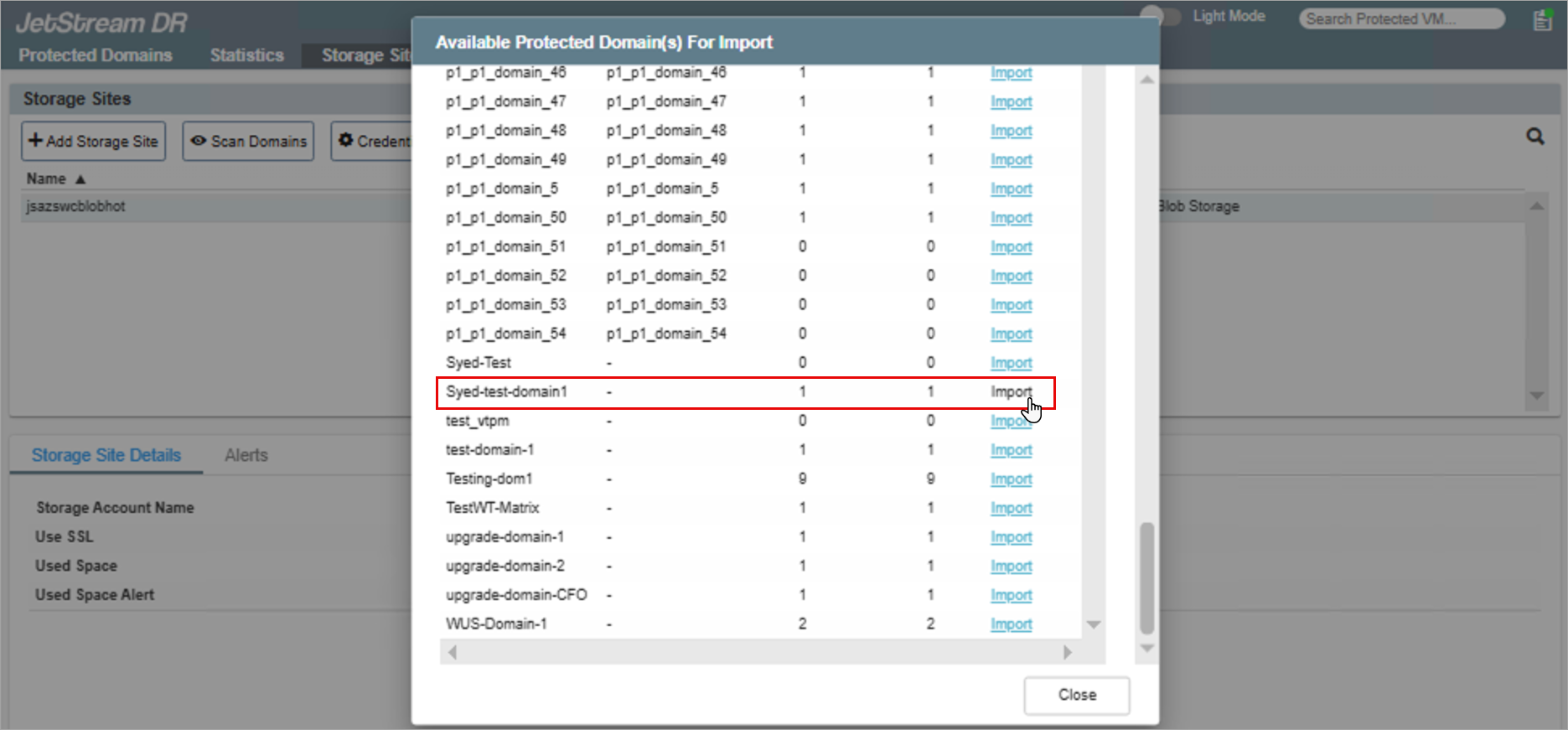
Figure 24: Click the domain's Import link.
After a protected domain has been imported, proceed to configure Continuous Failover.