CFO Mode
From the recovery site, select the Continuous Failover option to begin configuring it.
- Navigate to the Protected Domains screen:
- Click the More button.
- Select the Continuous Failover option.
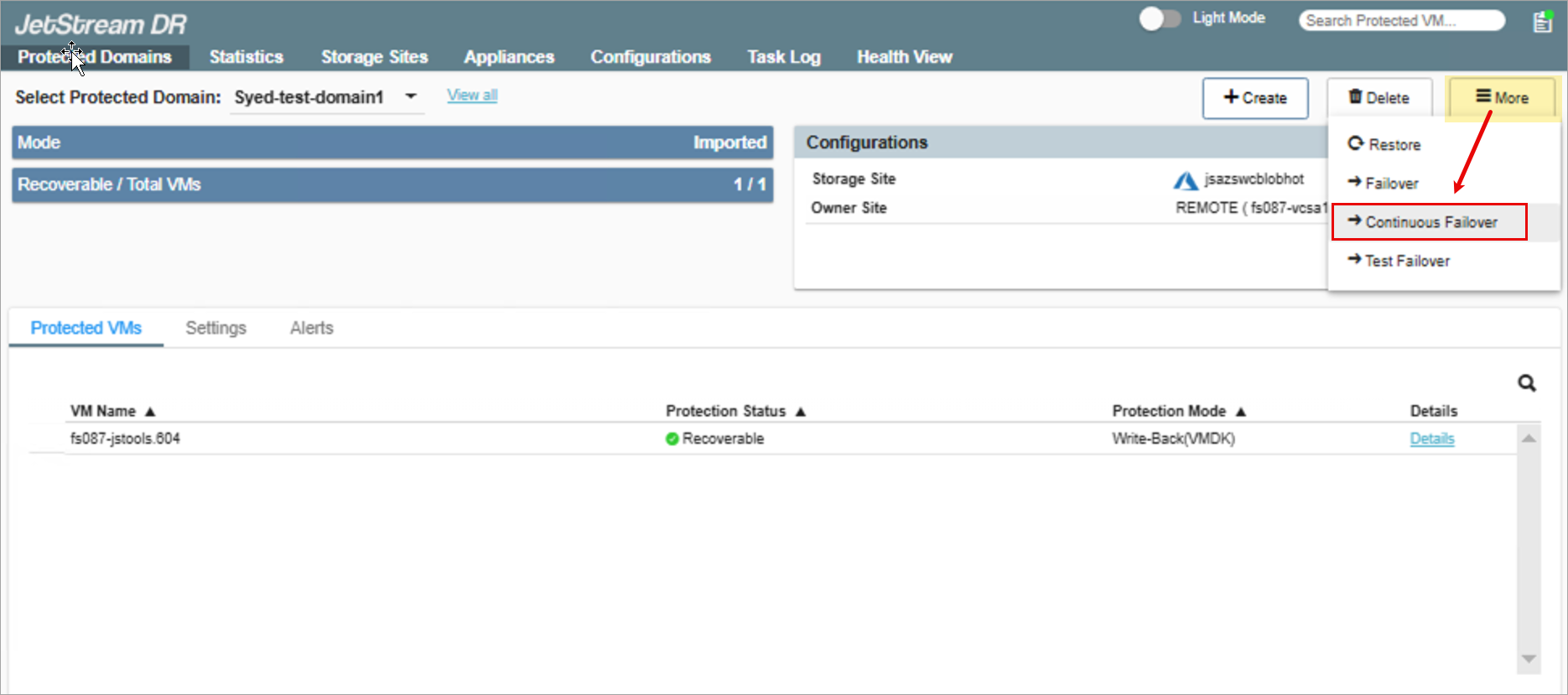
Figure 25: From the protected site, select the Continuous Failover option.
A pop-up window will appear to guide you through the remaining configuration steps.