Summary
Review all CFO configuration settings.
- Step 5: Summary
- On the final summary step, review all the settings that have been specified for the CFO configuration.
- If anything needs to be changed, click the Back button as many times necessary to return to the corresponding setup screen and make changes from there.
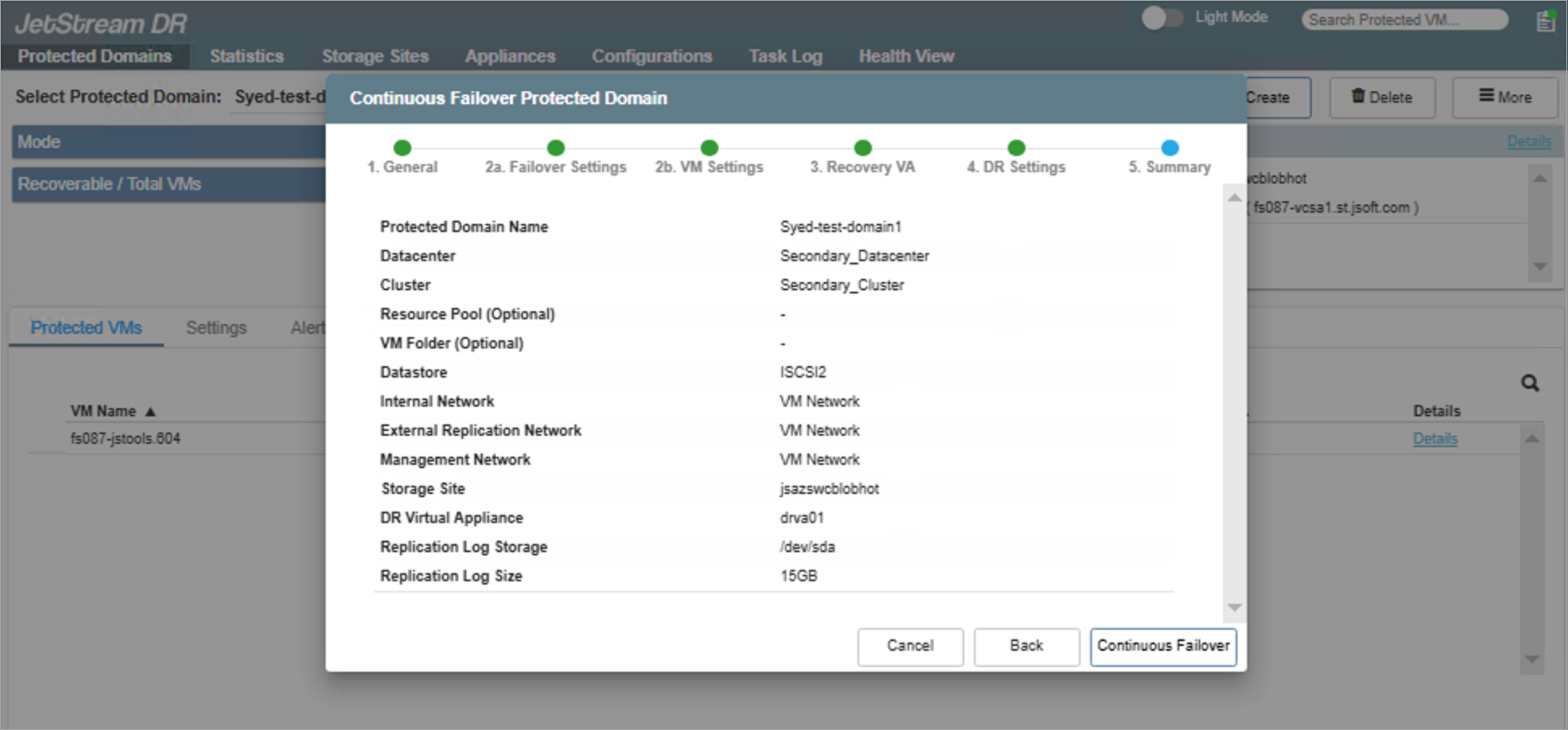
Figure 34: Review all CFO configuration settings.
If everything looks good, click the Continuous Failover button to start continuous failover of the protected domain.