VM Settings
Map the protected VM network(s) to recovery VM network(s). [This step is optional during the configuration process.]
- Step 2b: VM Settings
- For each protected VM network, map a corresponding recovery VM network.
- If desired, specify a VM storage policy to be used at the recovery site after failover. This parameter is optional and a default policy will be applied if none is selected.
Note: It is not mandatory to specify a recovery VM network before starting CFO for a protected domain. As part of the process to complete CFO, an option will be presented allowing you to select or edit the recovery VM network.
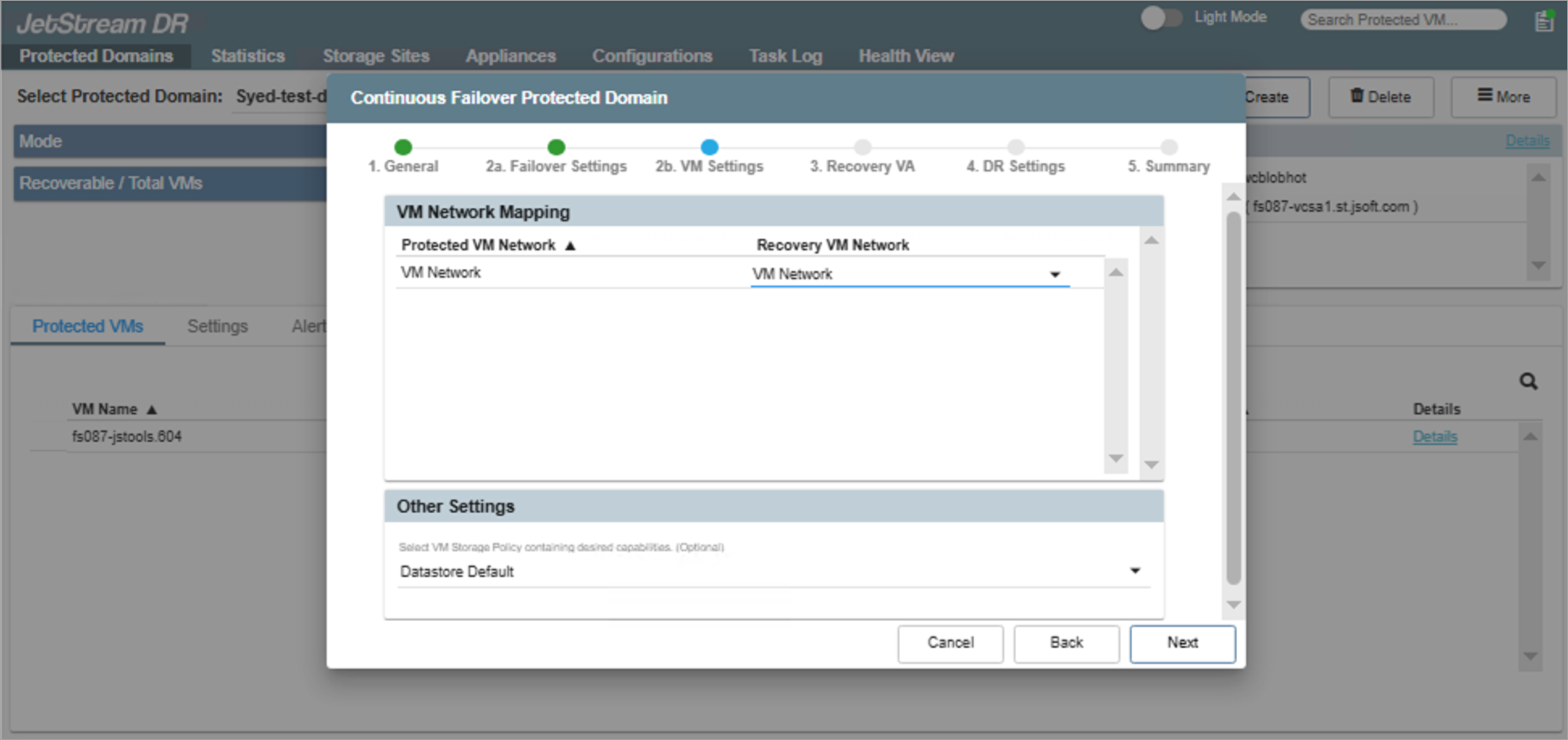
Figure 28: Map the VM networks.
Click the Next button to proceed to the next step.