Change the Subscription ID
The subscription ID can be changed at any time without requiring JetStream DR for AVS to be reinstalled. This will be necessary to convert a JSDR test subscription into a licensed production subscription, or if the JSDR license has expired and needs to be reactivated.
- After obtaining a new subscription ID, log into the JetStream DR UI and navigate to Configurations > Site Details.
- Locate the Subscription ID field and click its Configure link.
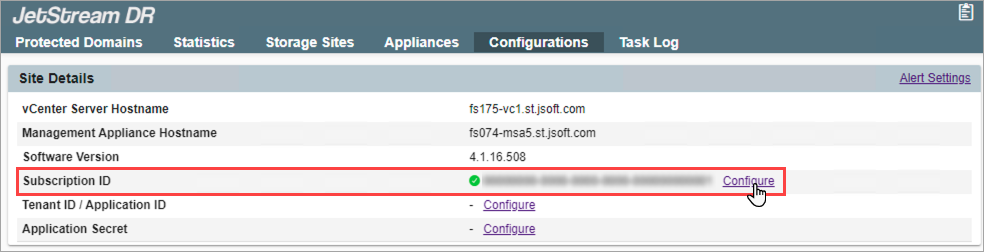
Figure 344: Review and configure the current Subscription ID.
- Enter the new Subscription ID then click the Configure button.
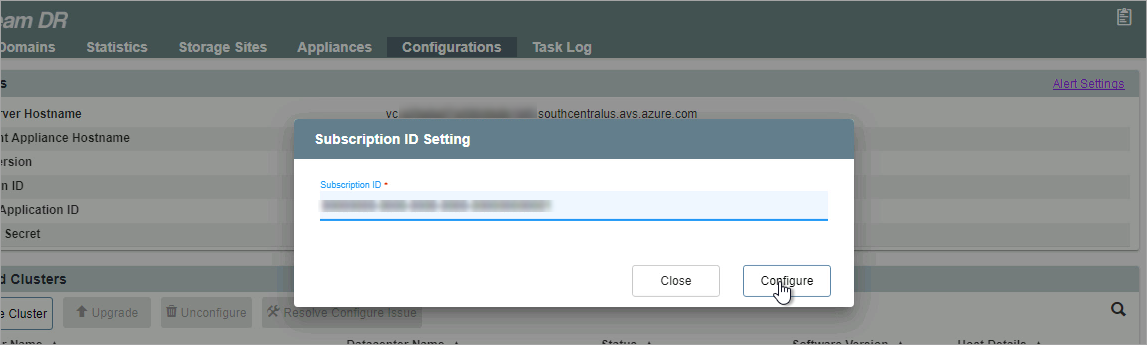
Figure 345: Enter the new Subscription ID.