Create a Replication Log Volume
After a DRVA has been deployed, a replication log volume must be created before it can be used.
- With a DRVA selected, click the New Replication Log Volume button.
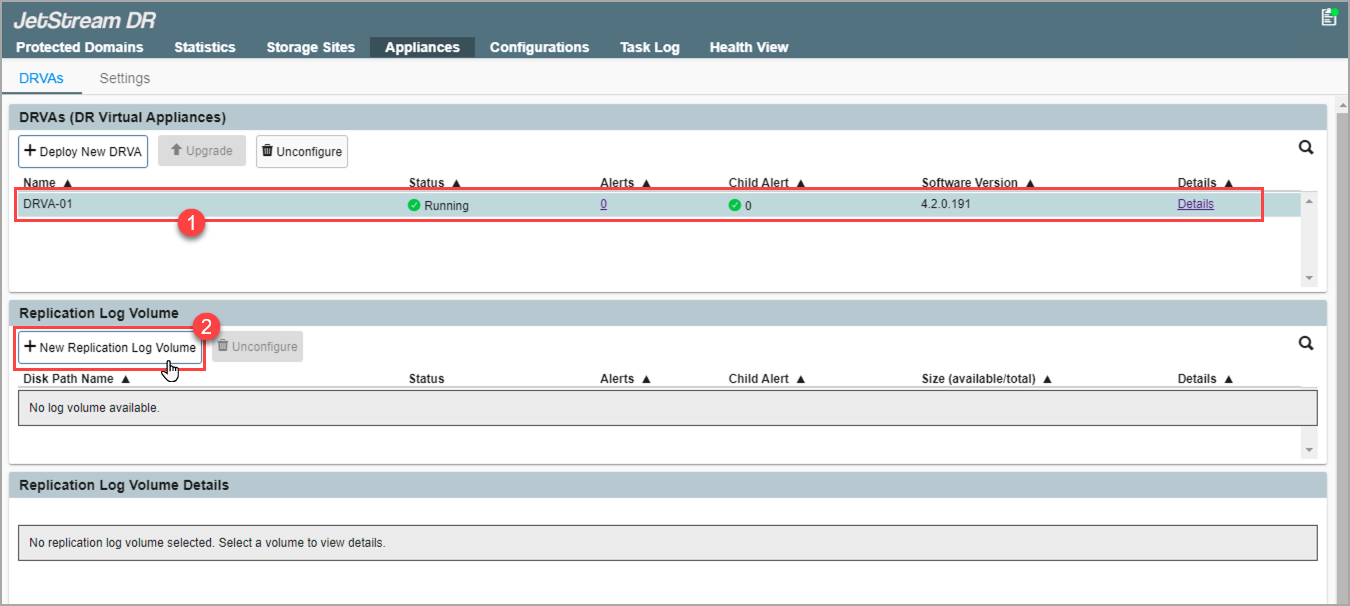
Figure 56: Create a replication log volume.
- In the pop-up dialog window, choose the type of storage to be used for the replication log volume.
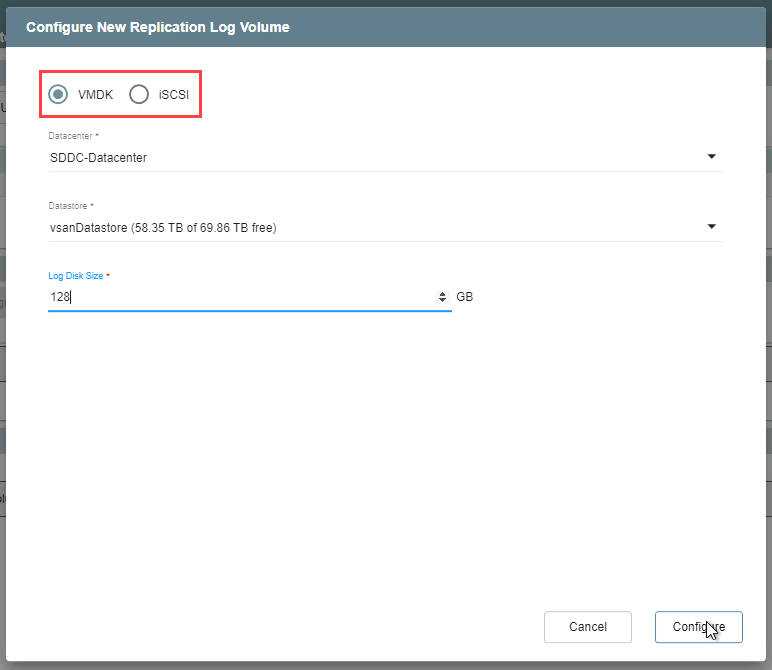
Figure 57: Select the replication log storage type to use.
Also see: