Concurrency Settings
Background concurrency controls the number of concurrent threads used to handle initial sync and garbage collection functions. The Concurrency Settings dialog window appears when the Concurrency Settings Configure link is clicked.
- The number of threads can be adjusted using the slider control.
- Click the Reset button to restore the background concurrency to its default value.
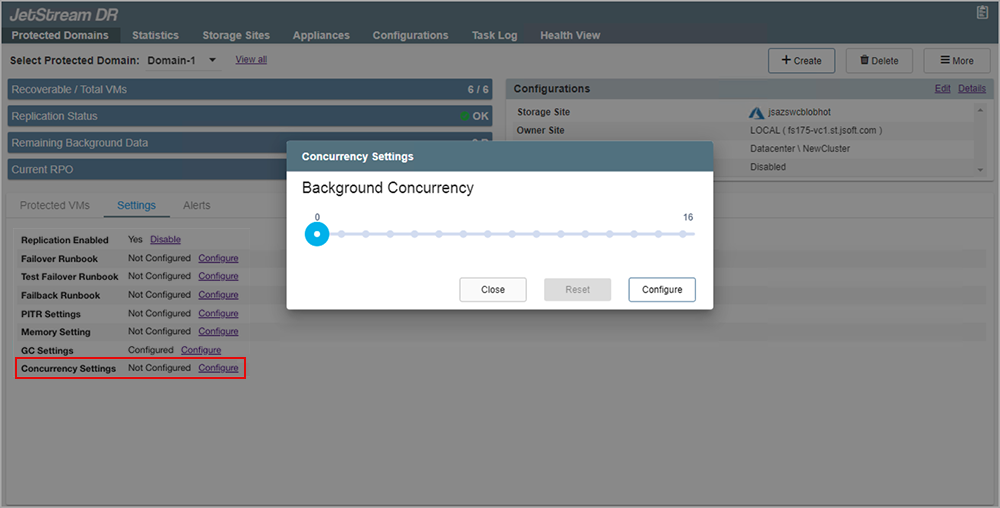
Figure 93: Concurrency settings.
Important: This setting should only be adjusted by advanced users with guidance from JetStream Software.