Protected Domain Settings
Various Protected Domain settings can be configured from the Protected Domains > Settings screen.
- Click the Settings tab on the Protected Domains screen to view or configure settings of a Protected Domain.
- Click a setting's Configure (or Disable) link to modify its values.
- Some settings are configured during the initial setup of the Protected Domain.
- Other settings may require you to come back to this screen to configure or adjust them after the Protected Domain has been created.
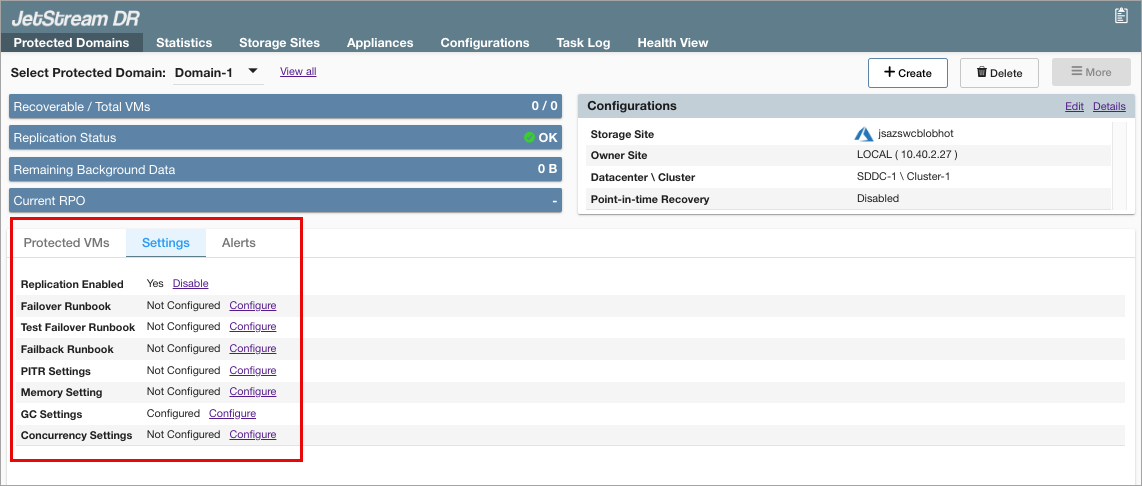
Figure 85: Configure protected domain settings.
Also see:
Failover / Test Failover Runbook