Replication Enabled
Replication for protected VMs can be manually controlled by clicking the Disable/Enable link of the Replication Enabled option.
- When replication is enabled, the Replication Enabled status will indicate "Yes" and a Disable link will appear.
- When replication is disabled, the Replication Enabled status will indicate "No" and an Enable link will appear.
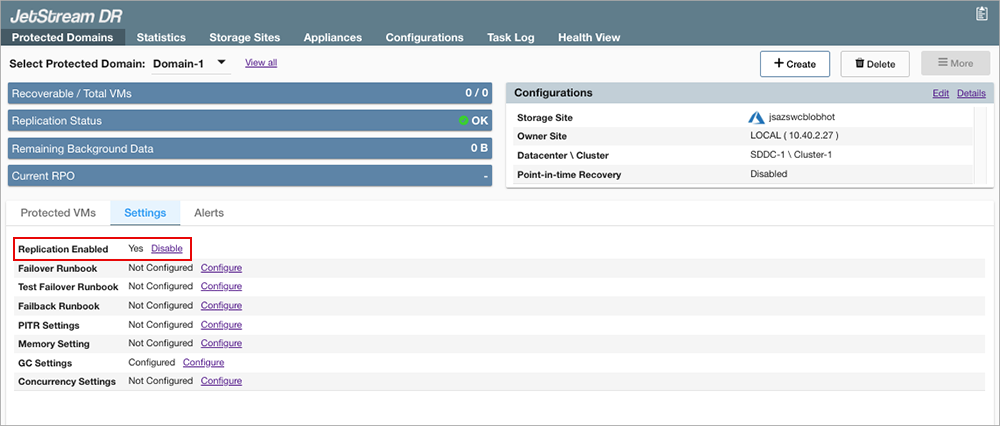
Figure 86: Manually control domain replication.
Important: Replication is enabled by default. Do not disable VM replication without a specific reason to do so. When replication is disabled, new data generated by protected VMs will not be replicated to the storage site resulting in high RPO. Refer to the Additional Information section of this document to learn more about manually stopping Domain replication.