Health View Utility
Health View is a built-in utility that presents an overview of the health of the system and connected resources.
- Access Health View by clicking its tab from the JetStream DR UI screen.
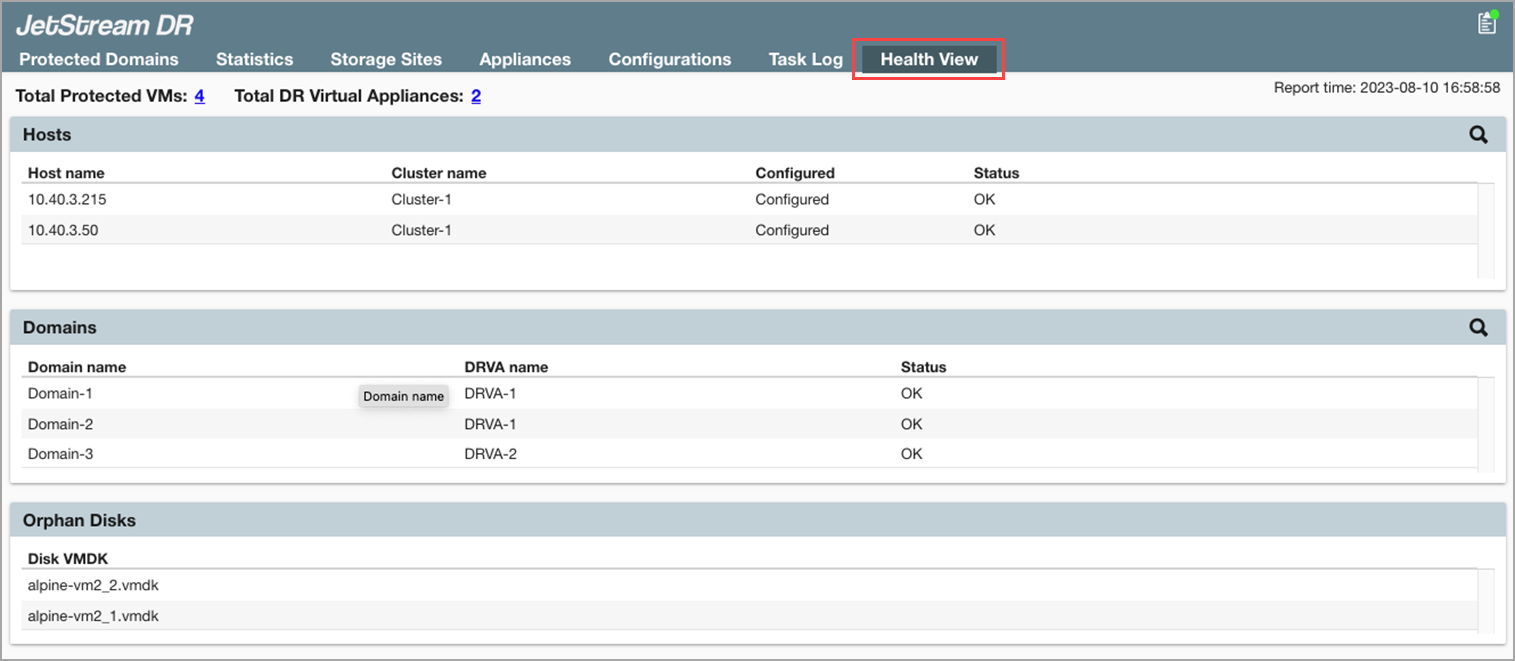
Figure 280: Access the Health View screen.
Note: Health View queries the system state every 15 minutes and updates its reported values accordingly.
The screen is divided into sections to show information about:
Protected VMs and DR Virtual Appliances