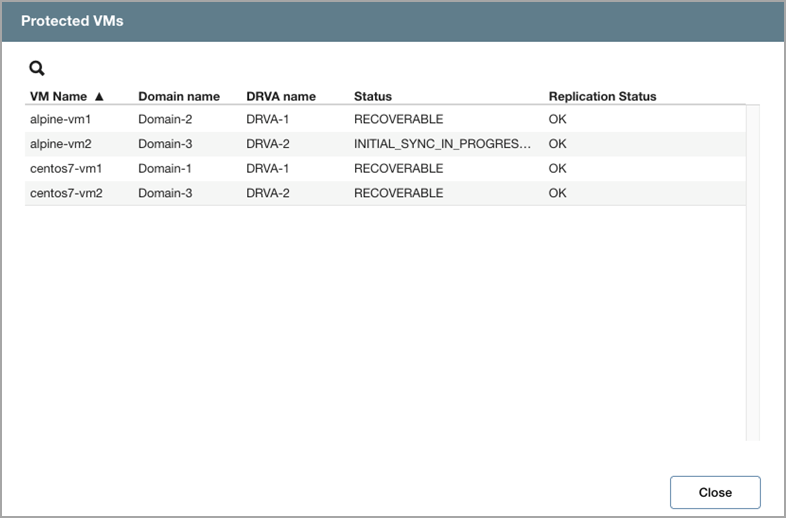
Protected VMs and DRVAs
The top of the Health View screen indicates the number of protected VMs and configured DRVAs currently being handled by the system.
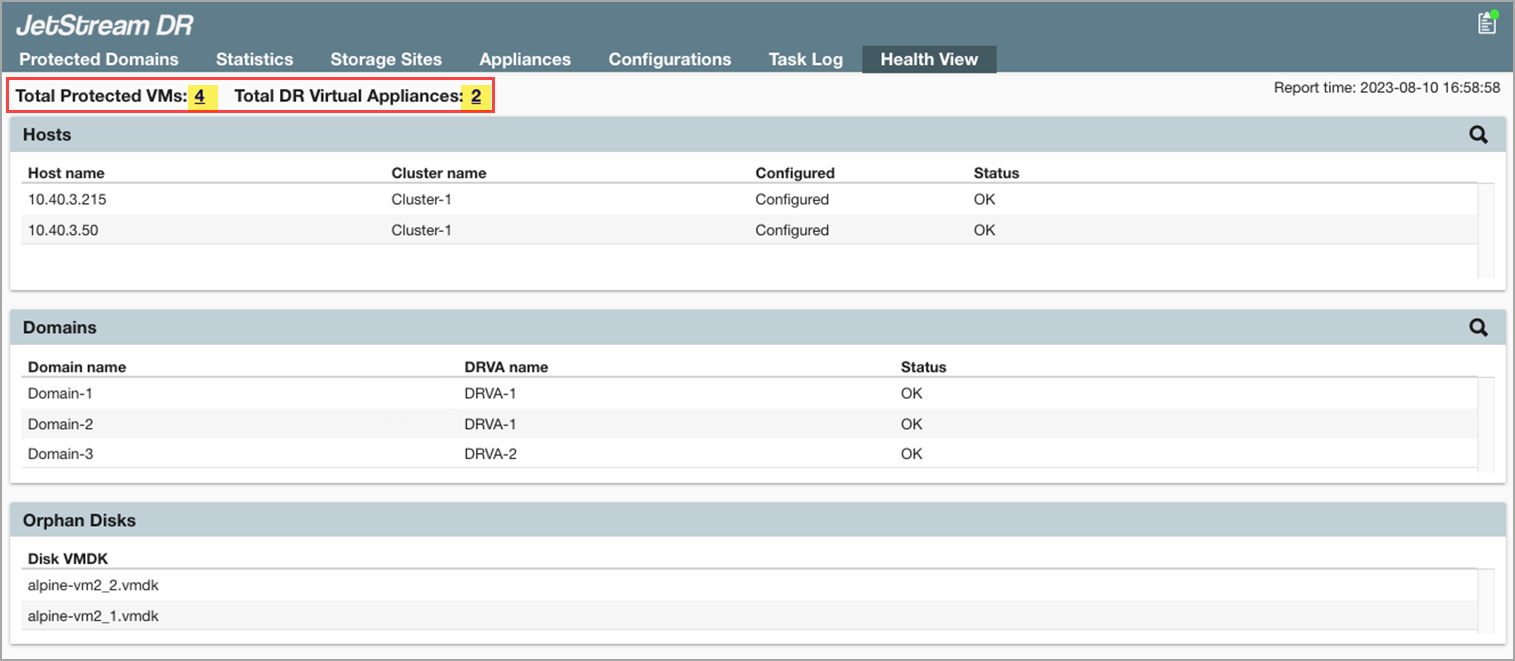
Figure 281: Protected VMs and DRVAs are monitored by Health View.
- Clicking one of the links will open a pop-up window displaying details about the VMs, their status, and associated Protected Domains and DRVAs.