Prepare a Restore DRVA
Prepare a new DRVA at the recovery site to restore the protected data.
- Shut down the DRVA that originally managed the Protected Domain.
- Do this by either shutting down or powering off the VMs of the DRVA.
- Create a new DRVA at the location where the Protected Domain will be restored.
- Follow the steps to deploy a DRVA that were described in Configuration.
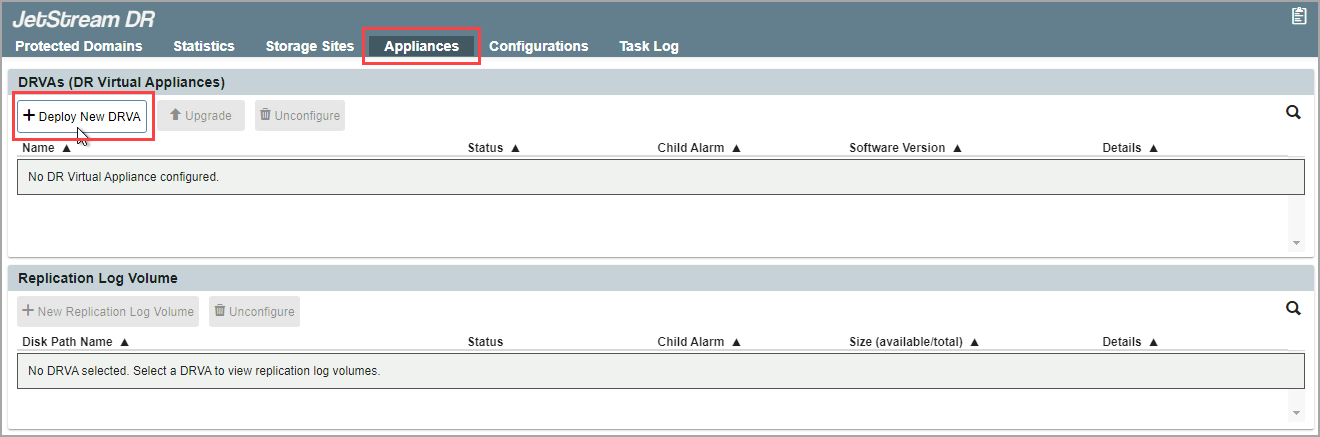
Figure 158: Deploy a new DRVA.
Also see:
After the new DRVA has been created, import a Protected Domain to restore.