Search Protected VMs
Protected VMs across all Domains can be searched.
- A Search field appears on the right corner of the MSA GUI screen in vCenter.
- Click the field to see a browseable list of all protected VMs.
- Type directly into the field and VM names with matching text will be filtered and displayed for selection.
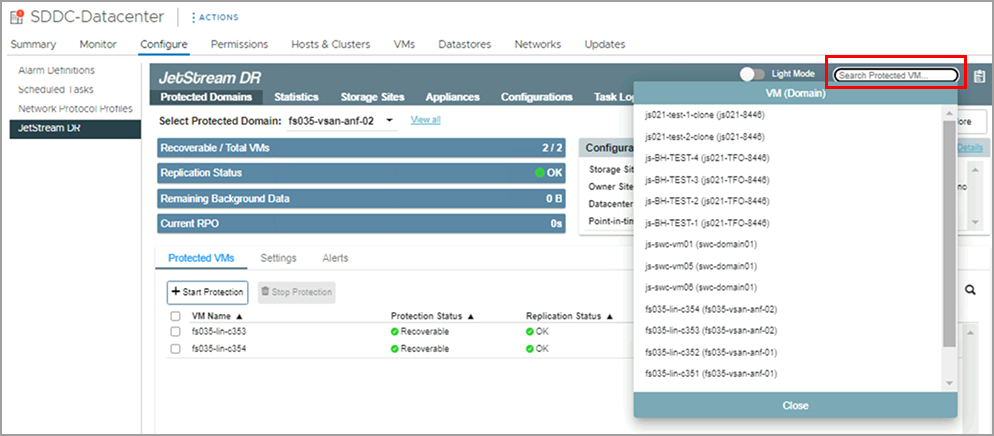
Figure 104: Searching protected VMs.
- Click a VM name that appears on the list to be directed to its Domain page from where it can be managed.
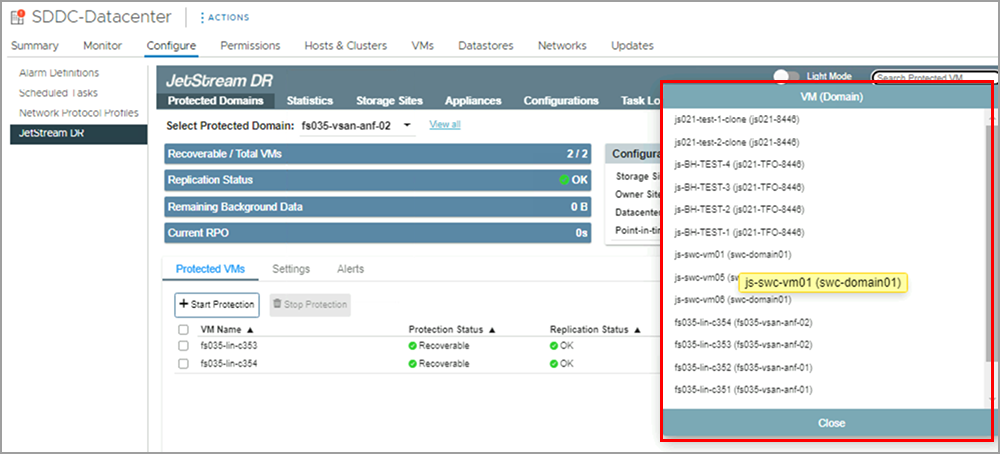
Figure 105: Select a VM from the list.
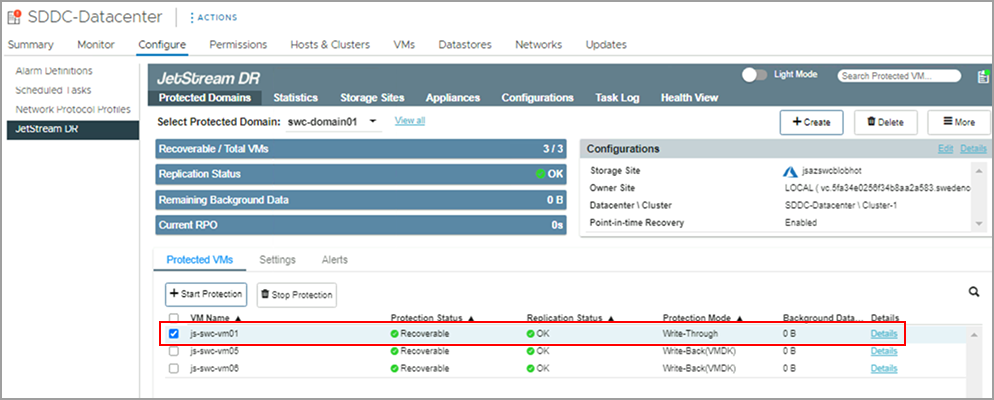
Figure 106: You will be directed to the Domain containing the VM.