Prepare the Recovery Site
A recovery site for failover must be provisioned with the vSphere environment and have JSDR software installed. This is required for all modes of failover operation. Follow these steps to configure a recovery site:
- Allocate compute resources and provision vSphere at the recovery site, as needed.
- The compute resources at the recovery site must be able to run an MSA, a DRVA, and the VMs to be failed over.
- Ensure the network is properly configured per the guidelines described in Pre-Installation.
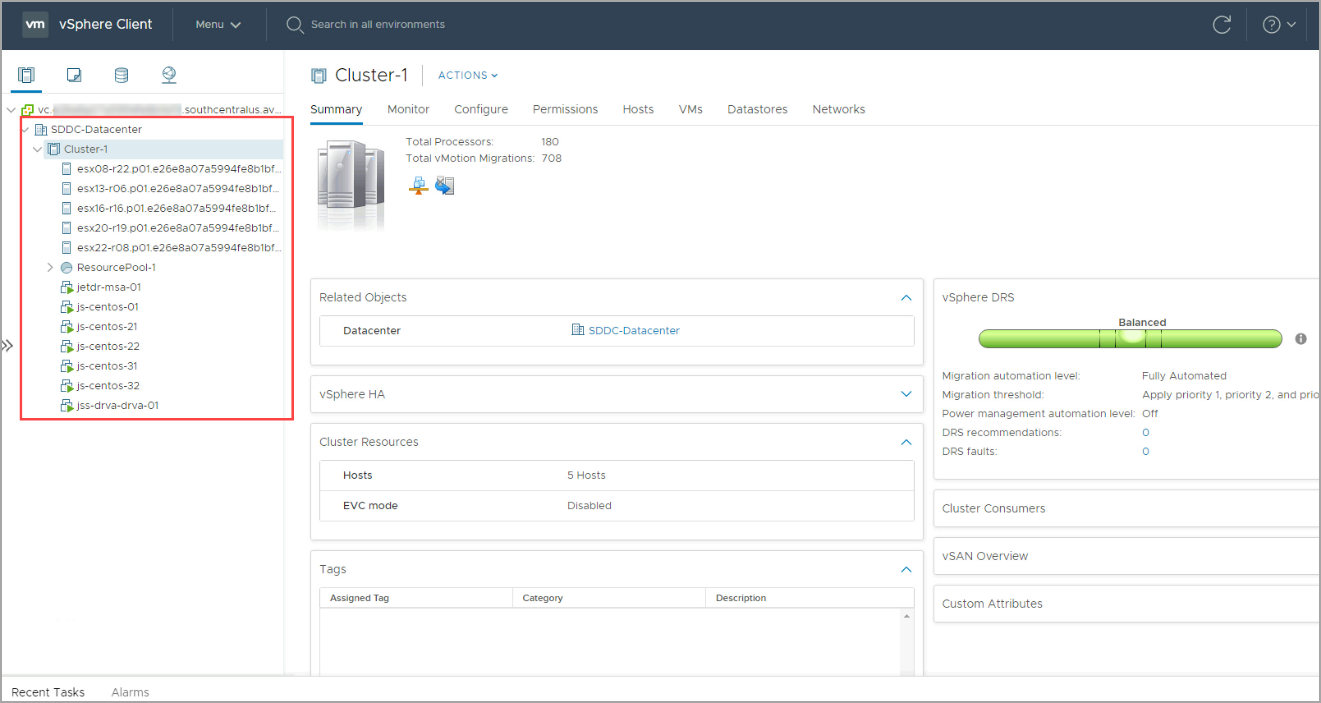
Figure 190: Check vSphere resources at the recovery site.
- Deploy an MSA at the recovery site.
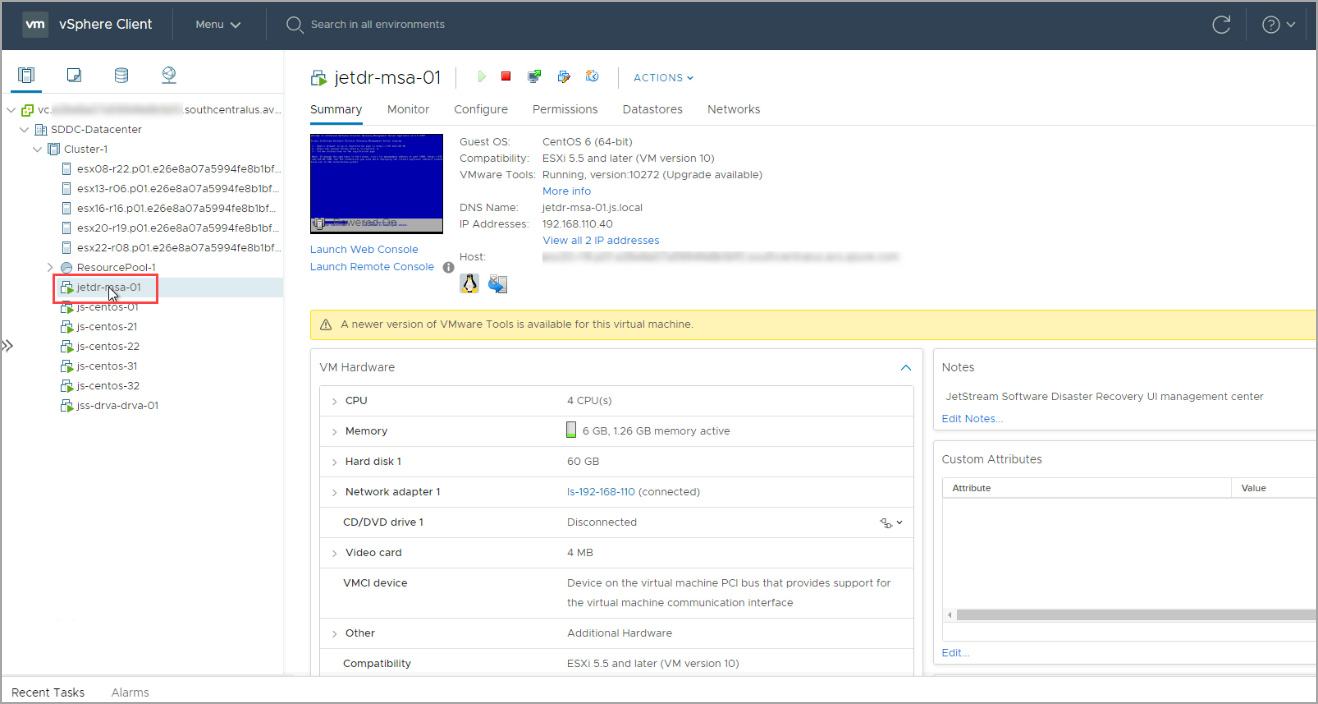
- Register the new MSA with vCenter at the recovery site.
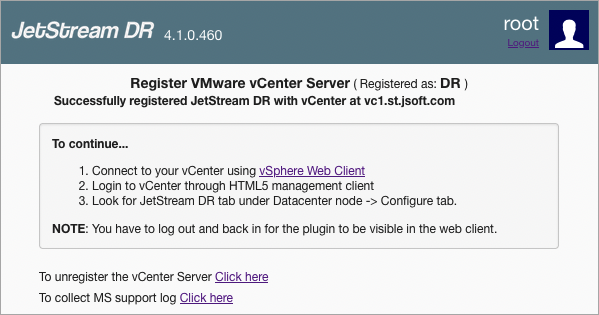
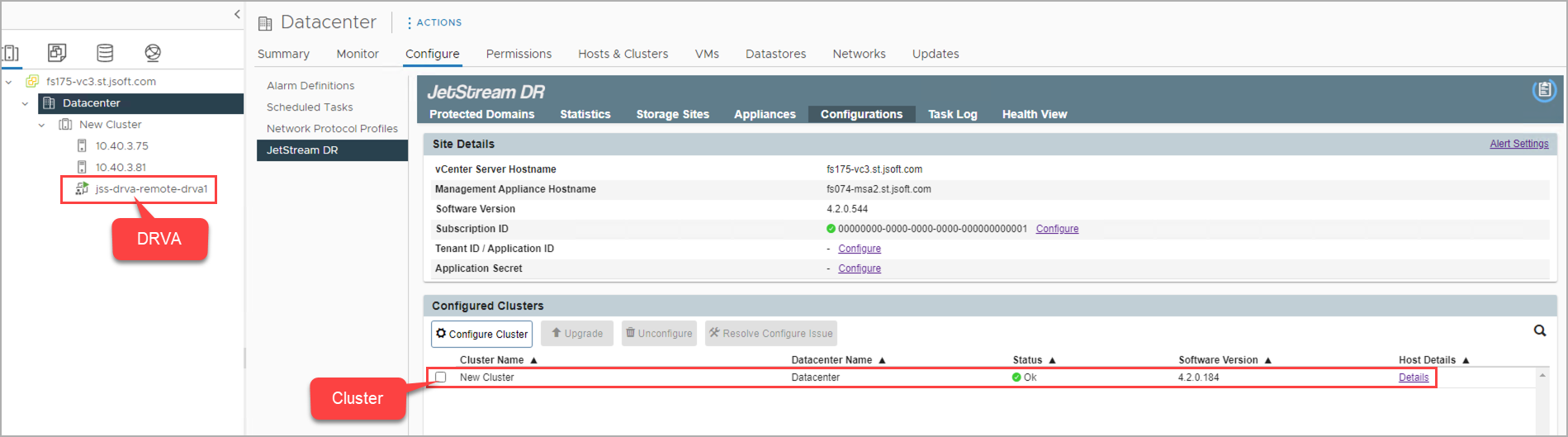
Figure 193: Configure a cluster and deploy a DRVA.
- At the recovery site, add the storage site using the same credentials that were used for the protected site.
- Make sure it points to the same object store originally used for the protected site.
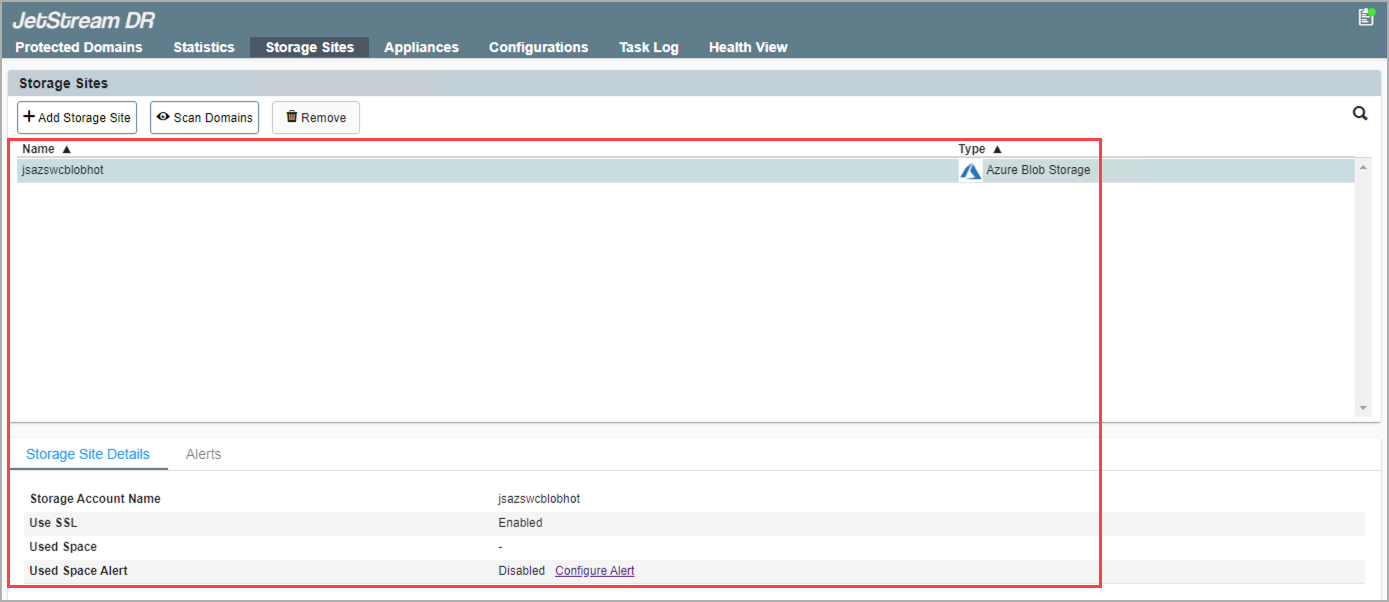
Figure 194: Connect to the storage site.
Also see:
After a recovery site has been prepared, import a Protected Domain for failover.