
Problem
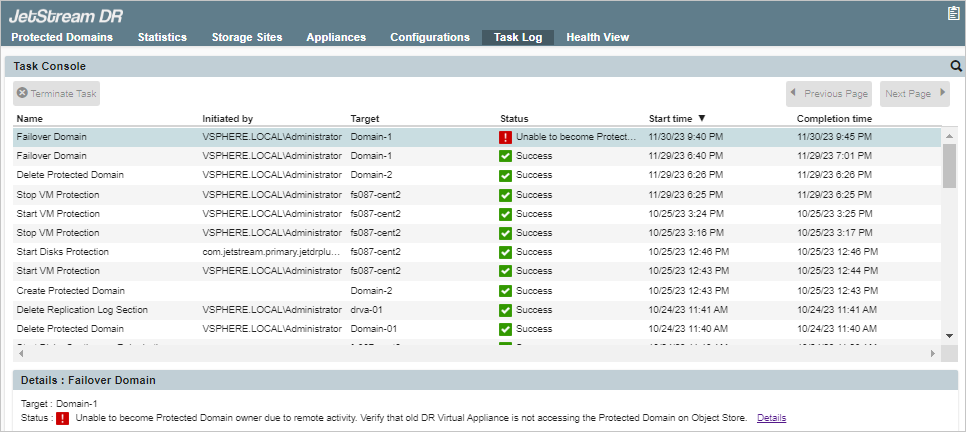
The “regular” failover or restore task fails and displays the error “Unable to become a Protected Domain owner due to remote activity. Verify that the old DR Virtual Appliance is not accessing the Protected Domain on the Object Store.”
Cause/Resolution
Failover task on a Protected Domain fails
The “regular” failover method should only be performed after a complete disaster has occurred on the primary site and the primary site is no longer functional. If the primary site is still up and running when failover is triggered, ownership transfer of the protected domain will be blocked and an error will be triggered. This is because a heartbeat signal continues to emanate from the primary site.
Restore task on a Protected Domain fails
Before attempting to restore a Protected Domain to a remote recovery site, ensure that the original DR Virtual Appliance (DRVA) at the primary site is inaccessible or powered off. The heartbeat signal from the primary site will be stopped and ownership of the Domain can then be transferred to the recovery site.

