VM Properties Compatibility on Failover
It is not possible for AROVA to verify compatibility of the properties of all protected VMs between primary and secondary regions. If certain VM properties are incompatible, AROVA will attempt to warn the user who should then update the VM properties to set valid values before initiating failover.
Note: Known incompatible VM properties must be resolved by setting valid values that will work in both regions before initiating failover.
If VM properties are not compatible between regions, creation of the VM in the secondary region can fail during failover. For example, some machine types available in the primary region may not be supported in the secondary region. In such case, AROVA skips recovery of those VMs and proceeds to recover the remaining compatible VMs. Any skipped VMs can later be reviewed and adjusted and then the Domain can be re-submitted to attempt failover again. Details of such failures can be observed from the Task Log screen in the AROVA UI.
Note: If a failed VM is a member of a Recovery Group, the RG will be flagged with a warning status indicating it is not fully consistent.
To recover skipped VMs, edit the VM Instance Properties to resolve issues by adjusting them to work in the secondary region. Save the changes to update the VM properties in the AROVA CDB and then re-submit the failover operation, selecting only the updated VM(s) needed to be recovered.
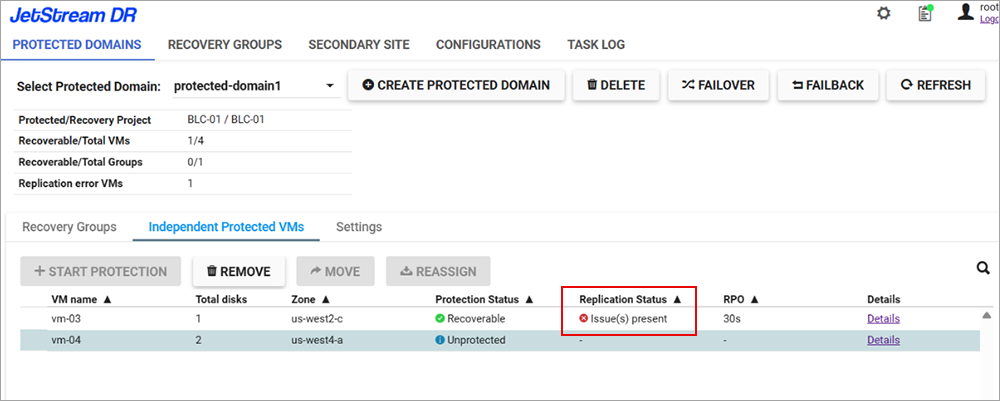
Figure 98: Warning message indicating possible compatibility issue.
See: