Manage Order
Navigate to the Product Order screen by either:
- Clicking the Manage orders option on the subscription pop-up message window.
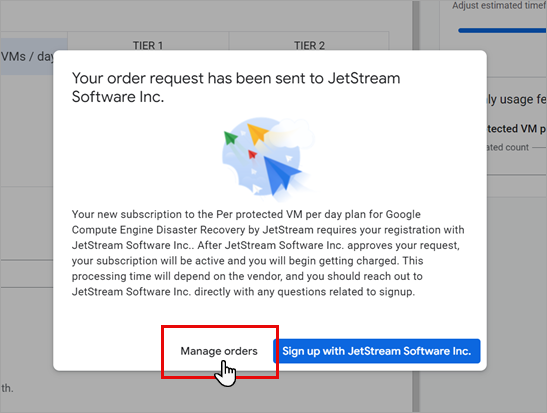
Figure 15: Click the Manage orders link.
- Or, return to the GCP Marketplace page and click Your orders from the left hand navigation bar.
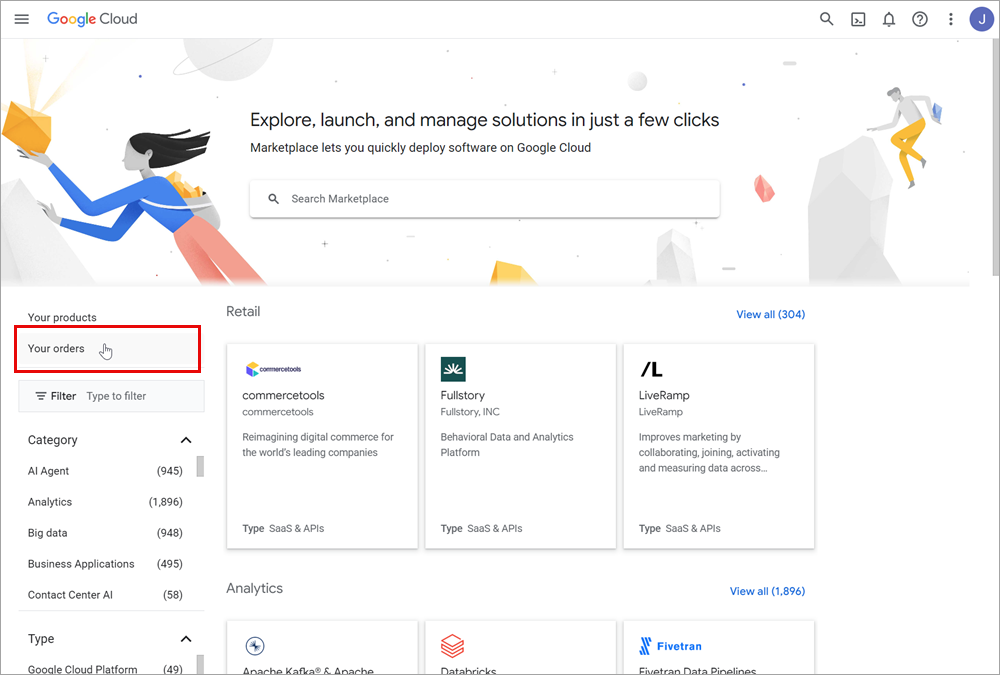
Figure 16: Click "Your orders" from the Google Cloud Marketplace page.
Order Status Details
- Select your billing account from the drop-down menu.
- A table will display details of all your orders for SaaS products in GCP Marketplace.
- Immediately after subscribing, the status of your order for Google Compute Engine Disaster Recovery by JetStream will appear as "Pending."
- The status will eventually change to "Active" after the JetStream registration system recognizes the new subscription. The software will now be available for you to use.
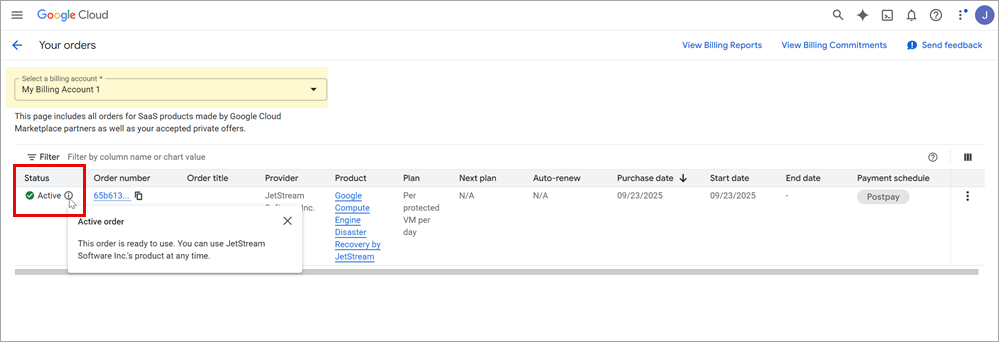
Figure 17: Subscription order status.