VM Label Management
This setting allows you to configure VM labels that will be applied to recovered VMs during recovery. There is an option to retain existing VM labels and to assign additional labels.
- Navigate to a Runbook Settings page, select a desired Recovery Group or independent VM, then click the EDIT button.
- A Runbook Settings window will open.
- Under the Labels column, click the link of the VM you want to configure.
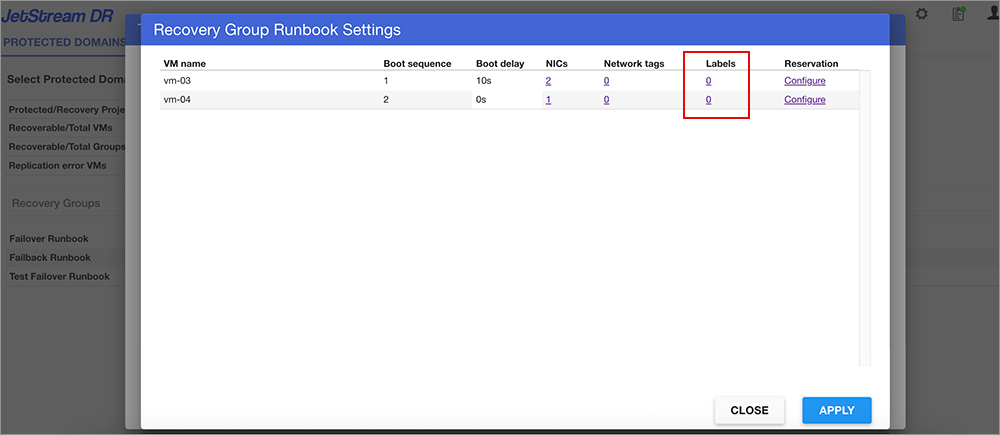
- A VM labels window will open.
- Specify the retention setting and add any desired VM labels.
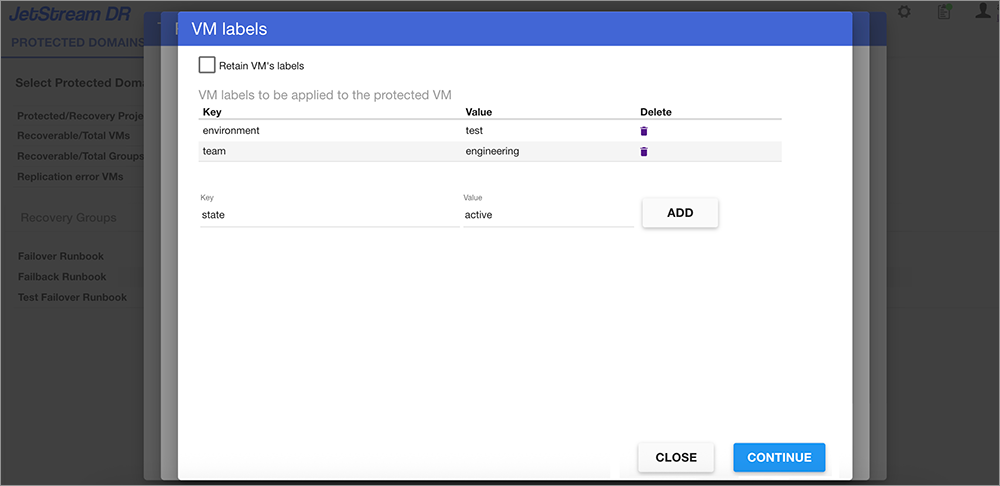
Figure 85: Manage VM label settings.
- Click the CONTINUE button to exit the Network interface settings window then click the APPLY button on the Runbook Settings window to save the change.