Edit Runbooks
To edit a configured runbook:
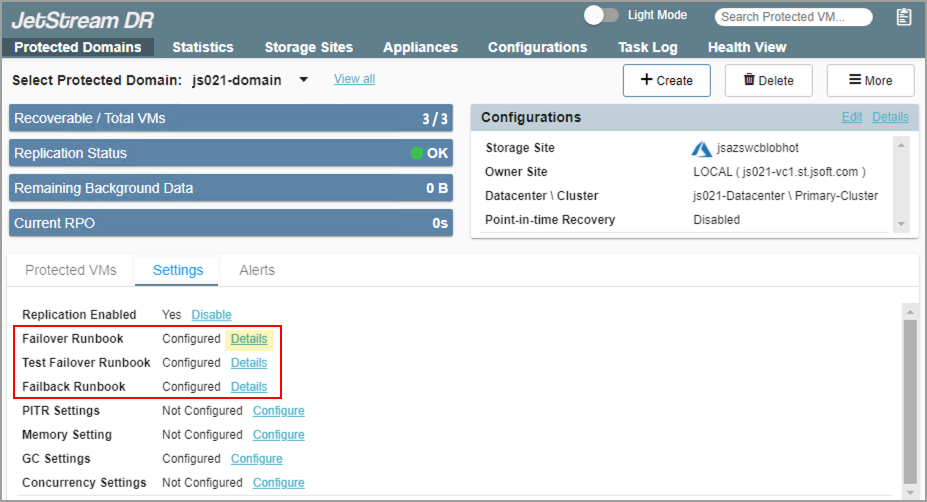
- Navigate to the Protected Domains screen > Settings then click the Details link of a runbook.
- The Runbook Settings screen will appear showing configured runbook groups and independent VMs.
- To modify a runbook group, select the checkbox next to the runbook group name then click the Edit button.
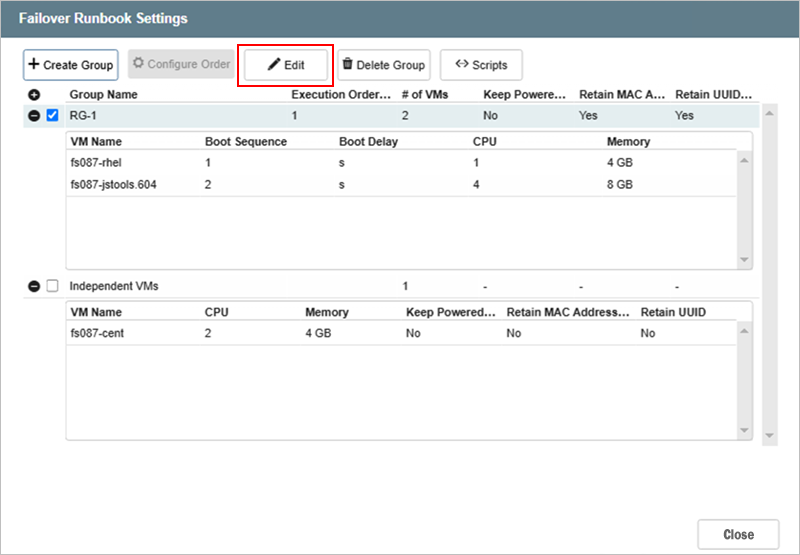
Figure 121: Edit a runbook's settings.
- Work through the Edit Runbook Settings screens making any necessary changes and save the settings on the final step.
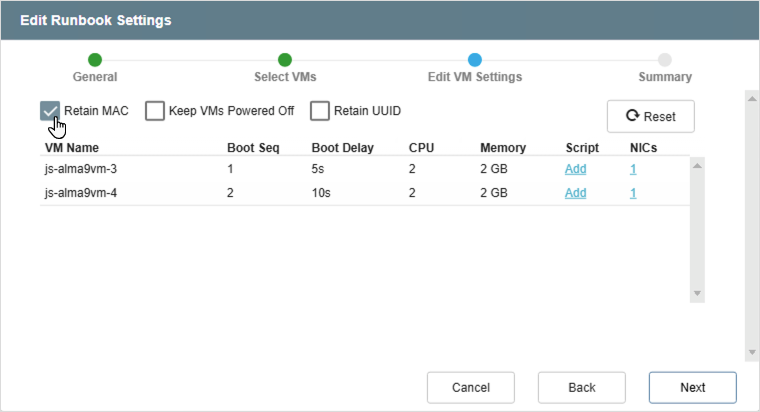
Figure 122: Example of setting the retain MAC option.