Runbook Startup Order
If multiple runbooks have been configured, it is possible to specify the order in which the runbooks are executed. To customize the startup order of runbook groups:
- Navigate to the Protected Domains screen > Settings then click the Details link of a runbook.
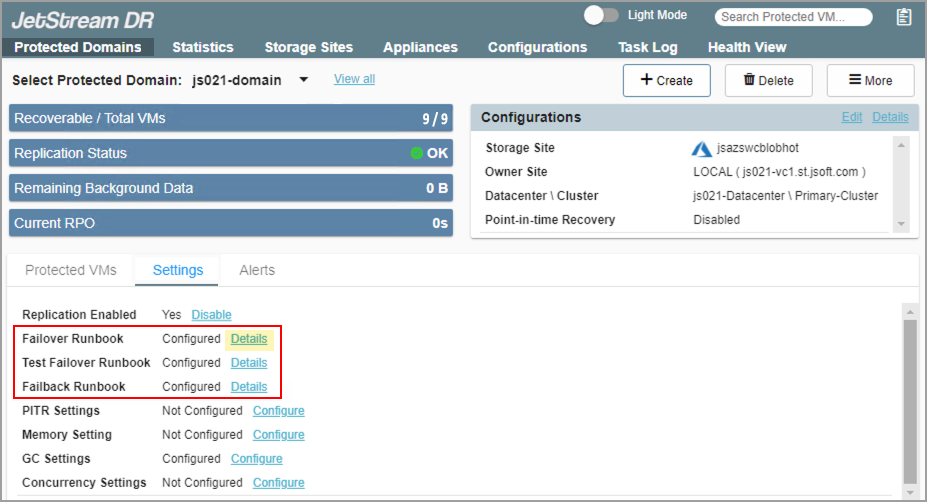
Figure 123: Select a runbook to edit.
- The Runbook Settings screen will appear. If multiple runbook groups have been configured, the Configure Order button will be enabled and can be clicked.
- Click the Configure Order button.
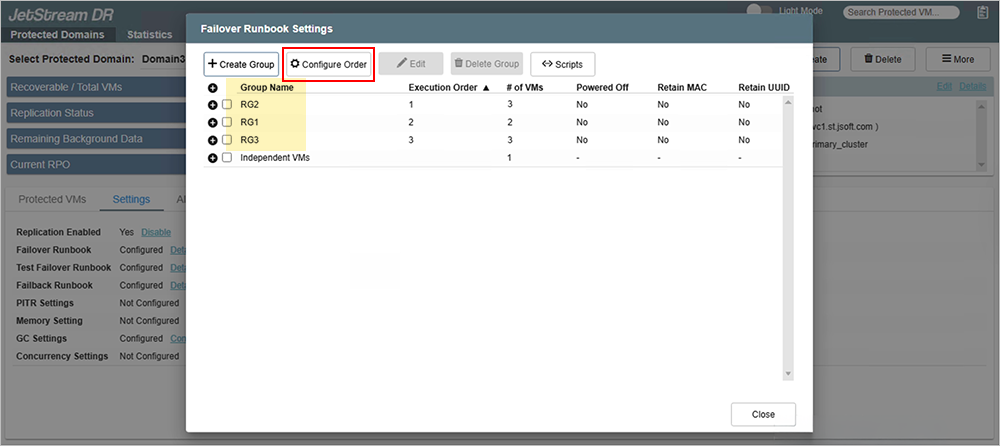
Figure 124: Click the Configure Order button.
- A window will appear displaying the runbook groups of the Domain and their execution order.
- Drag the runbook groups into the desired startup order.
- Click the Configure button to save the setting.
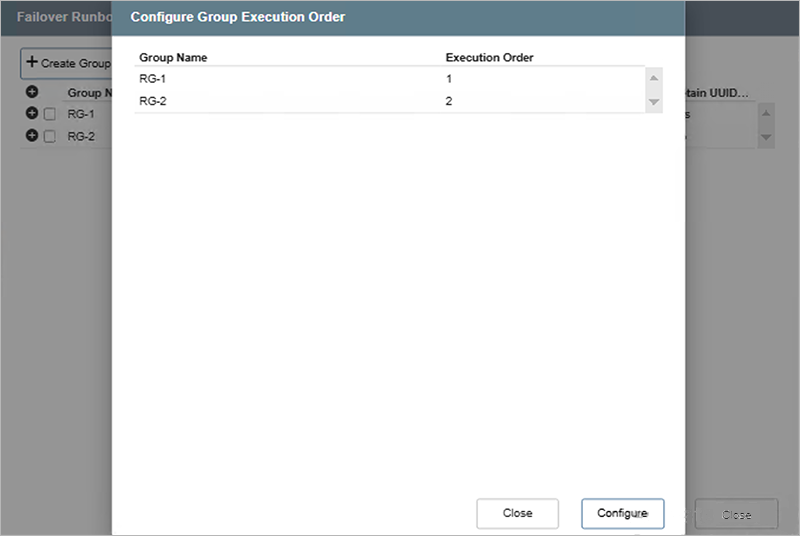
Figure 125: Rearrange the execution order of runbook groups.
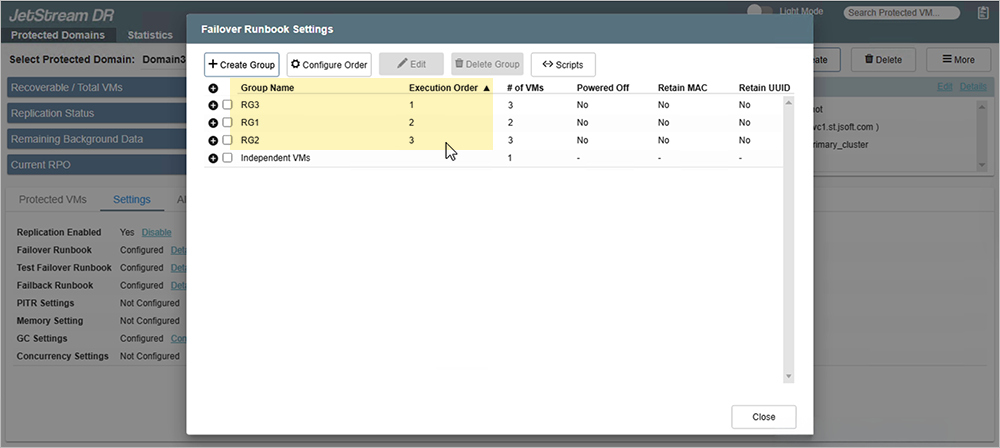
Figure 126: Runbook group execution order is changed.
- The runbook groups will be processed in their specified execution order during recovery.