Failover VMs to a Recovery Site
After a recovery site has been prepared and a Protected Domain imported, VM failover can be performed.
Note: Failover operations are performed at the Protected Domain level which means all VMs in the Domain will be failed over together.
- Go to the recovery site.
- On the Protected Domains screen, open the More menu and select one of the failover mode options.
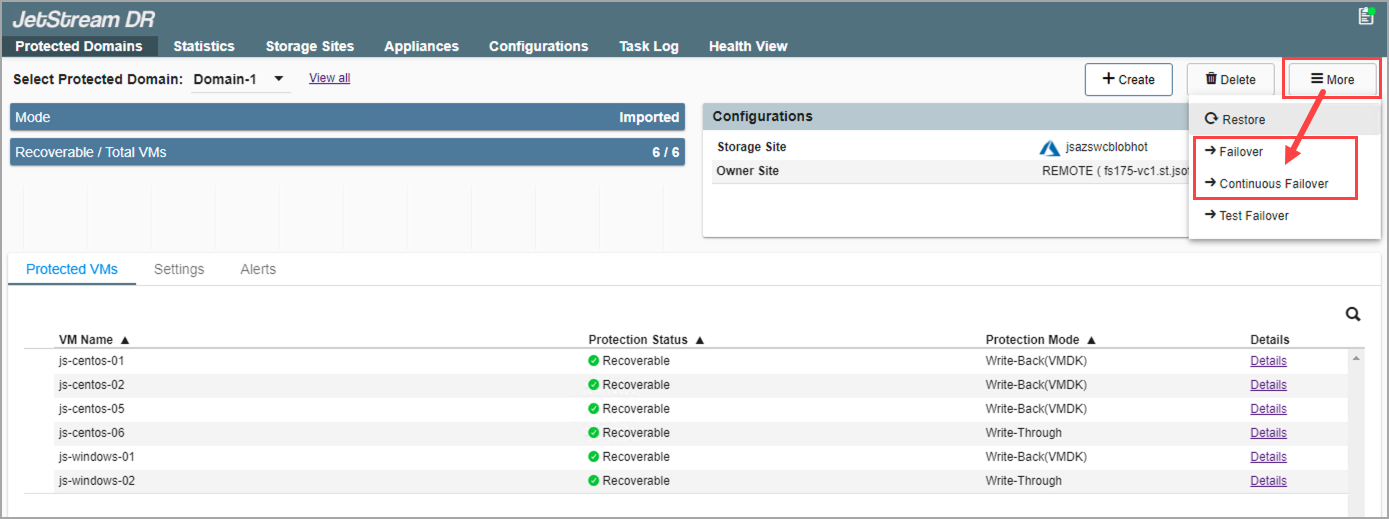
Figure 200: Select a failover mode.
Note: The initial configuration steps are the same for both Failover and Continuous Failover modes; however, the operating process and steps to complete failover are unique for each failover mode.
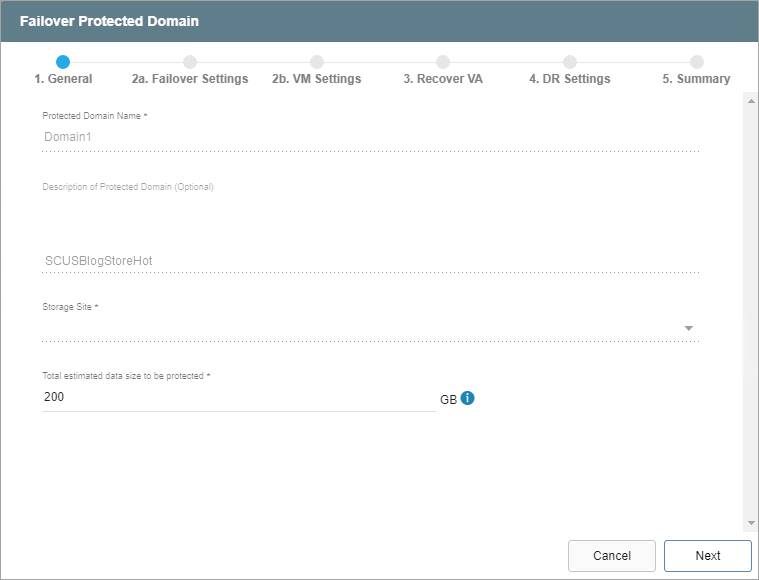
- From the pop-up dialog window, follow the guided steps to configure failover settings.
Also see: