Prepare the Primary Site
To failback to the primary site, the primary site must must be provisioned with the vSphere environment and have JSDR software installed. Do the following to prepare for failback:
- Restore the hardware infrastructure and vSphere environment at the primary site. Verify the infrastructure is in good condition and fully operational.
- If necessary, redeploy and register the JetStream DR MSA software at the primary site.

Figure 245: Register the MSA at the primary site.
- If necessary, configure a cluster to deploy IOFilter software to the hosts of the primary site.
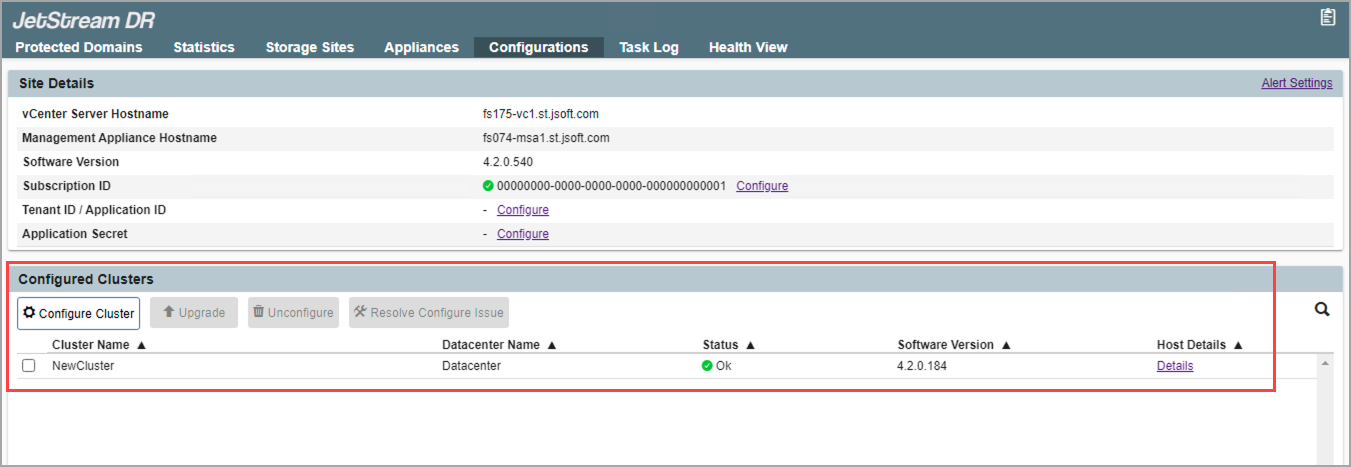
Figure 246: Configure a cluster at the primary site.
- If necessary, deploy a DRVA to the primary site.
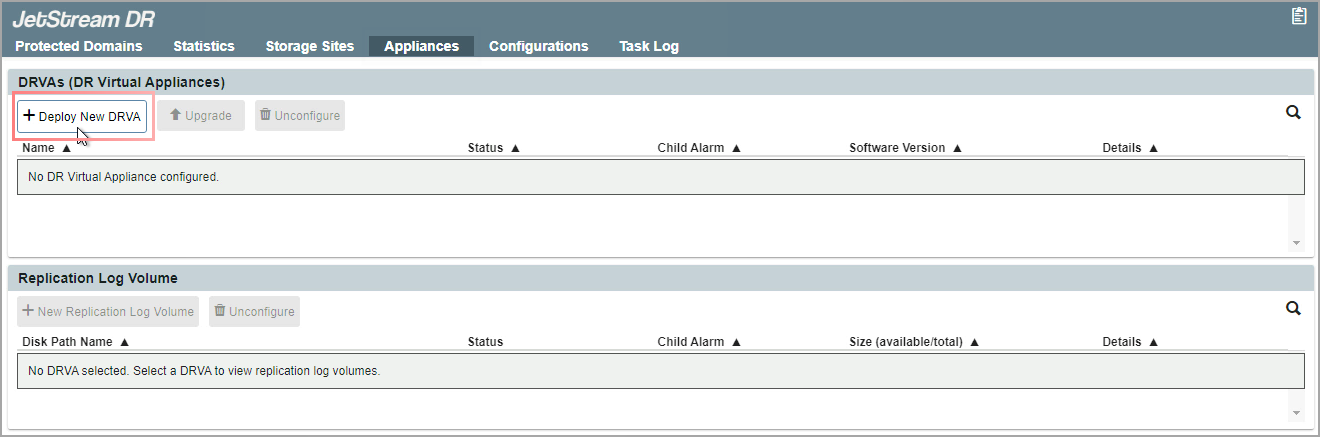
Figure 247: Deploy a DRVA at the primary site.
- If necessary, create a replication log volume and add the original storage site back to the primary site using the same object store credentials that were used when protection was initially set up.
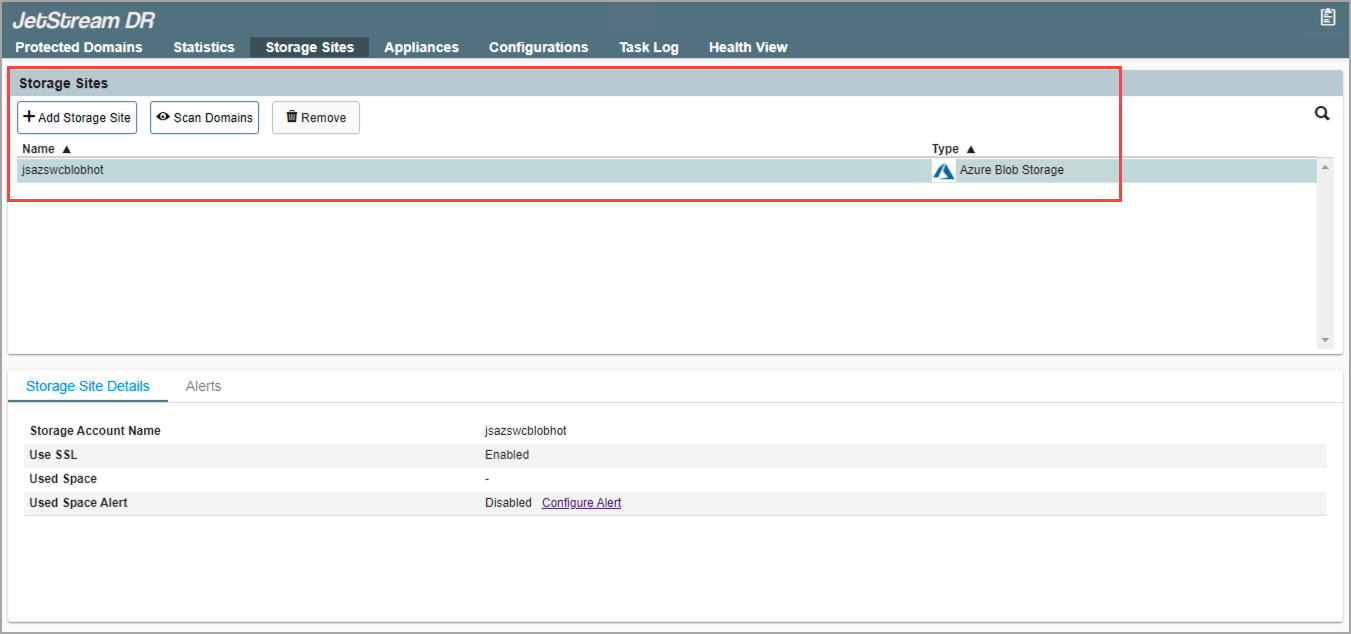
Figure 248: Create a replication log volume and connect to the storage site.
Also see:
After a primary site has been prepared, import Protected Domains for failback.